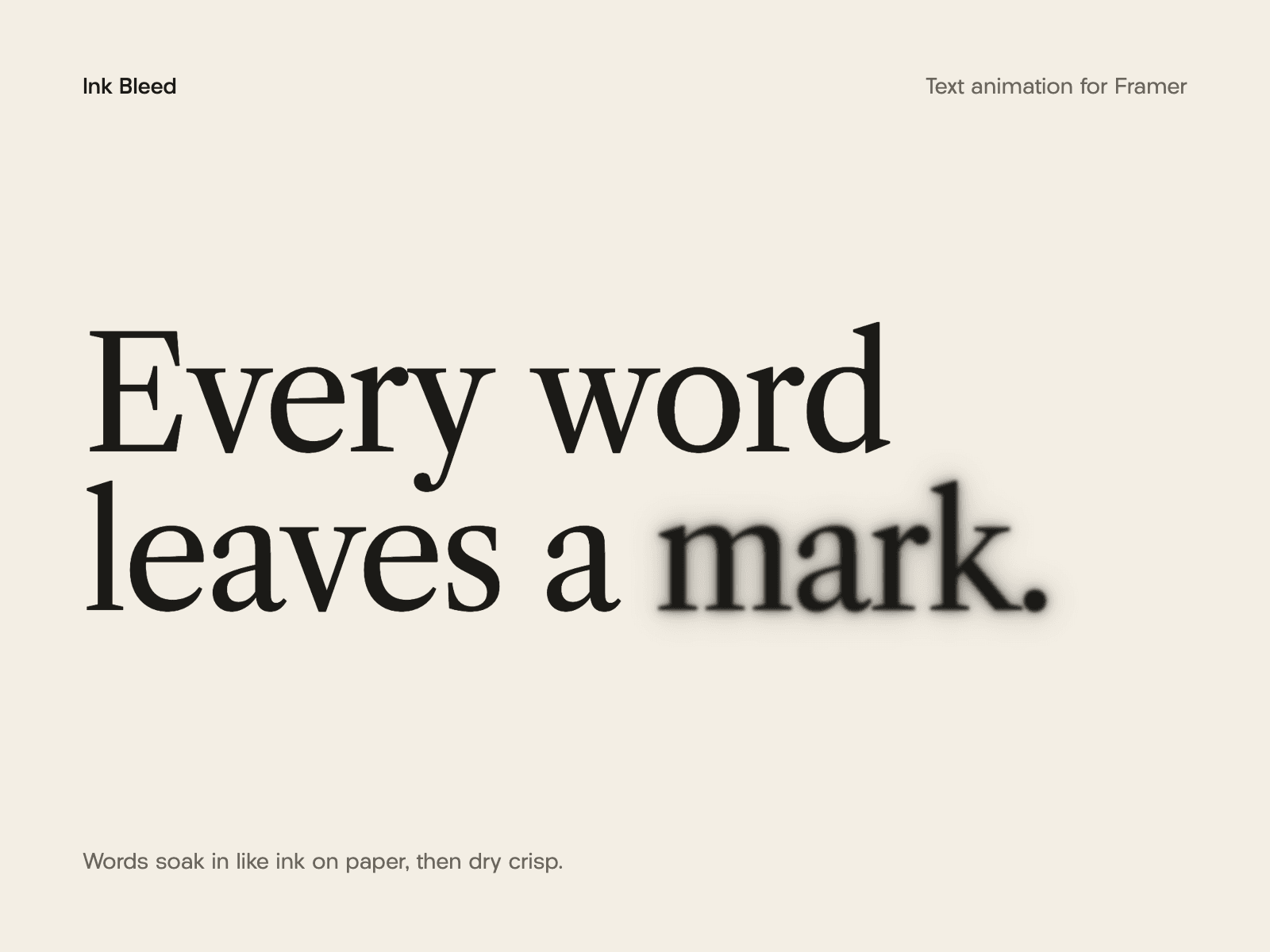
About Ink Bleed
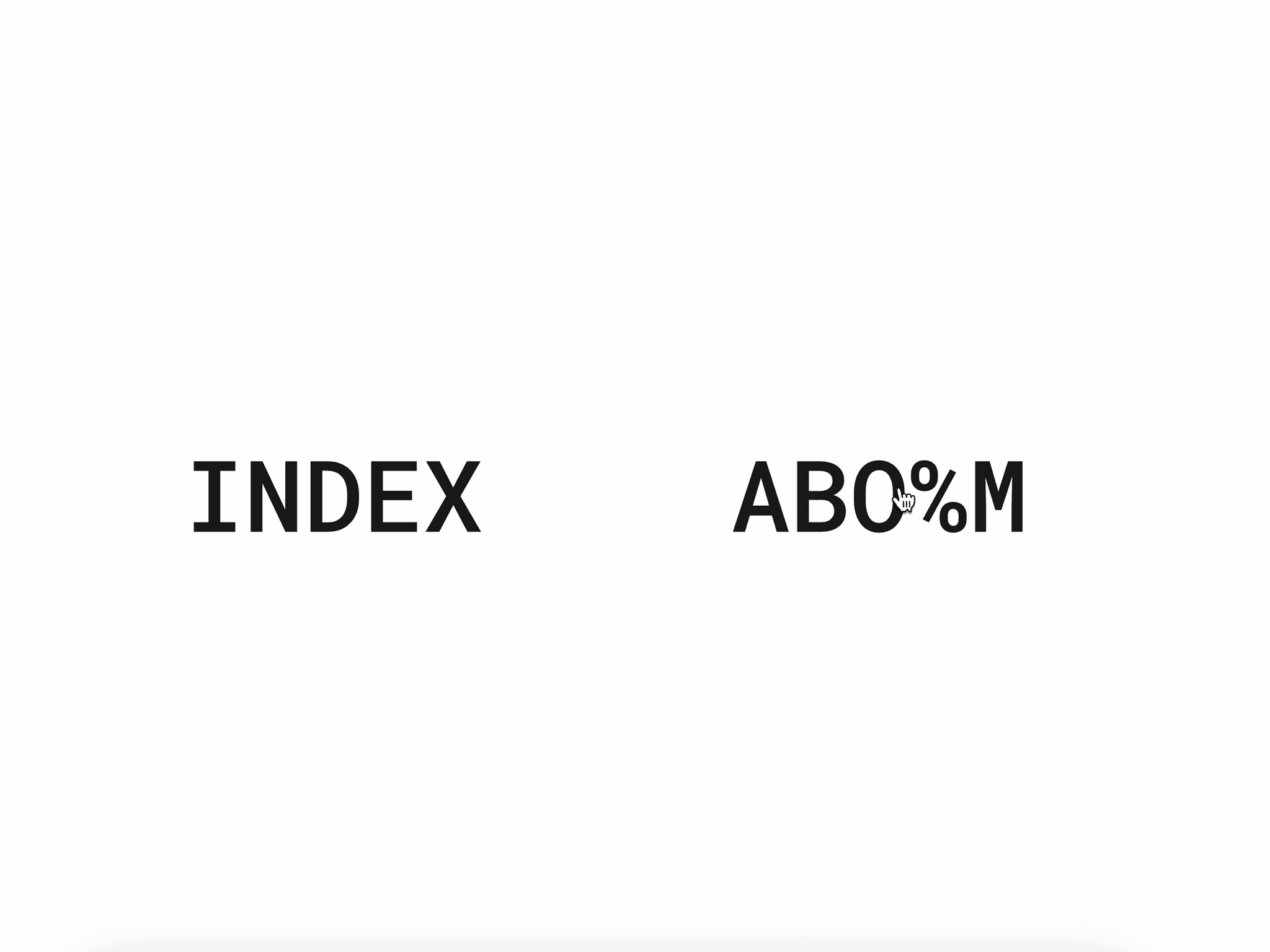
Ink Bleed animates any headline so it looks printed with real ink. Each word or letter starts as a soft blot with rough, fibrous edges, spreads into its shape, and dries sharp. Hover over a word and it gets wet again.
Features:
Animate by words or by letters
Any font from Framer's font picker, with weight, spacing and line height
Fluid sizing that scales with the component's width between a minimum and maximum size, or a fixed size
Ink controls: bleed amount, roughness, fiber size and a soft wet edge around each word
Starts when it scrolls into view (with optional replay), on page load, or on hover
Duration, delay, stagger and easing controls
Order: forward, reverse, from center or random
Hover re-wetting with adjustable strength
Optional loop with a pause between runs
Proper headline tags (H1–H4, paragraph, span) with the full text kept readable for search engines and screen readers
Respects the visitor's reduced-motion setting
On the Framer canvas the text shows without the animation. It plays in Preview and on your published site.