About Filter Wall
A gallery that filters itself, with no CMS behind it.
Items are plain lines of text, one per line: a label, then its tags. That is the whole authoring step. Or drop Framer frames into the slot and give them a tag line each. Nothing is fetched, nothing is synced, and there is no collection to set up first.
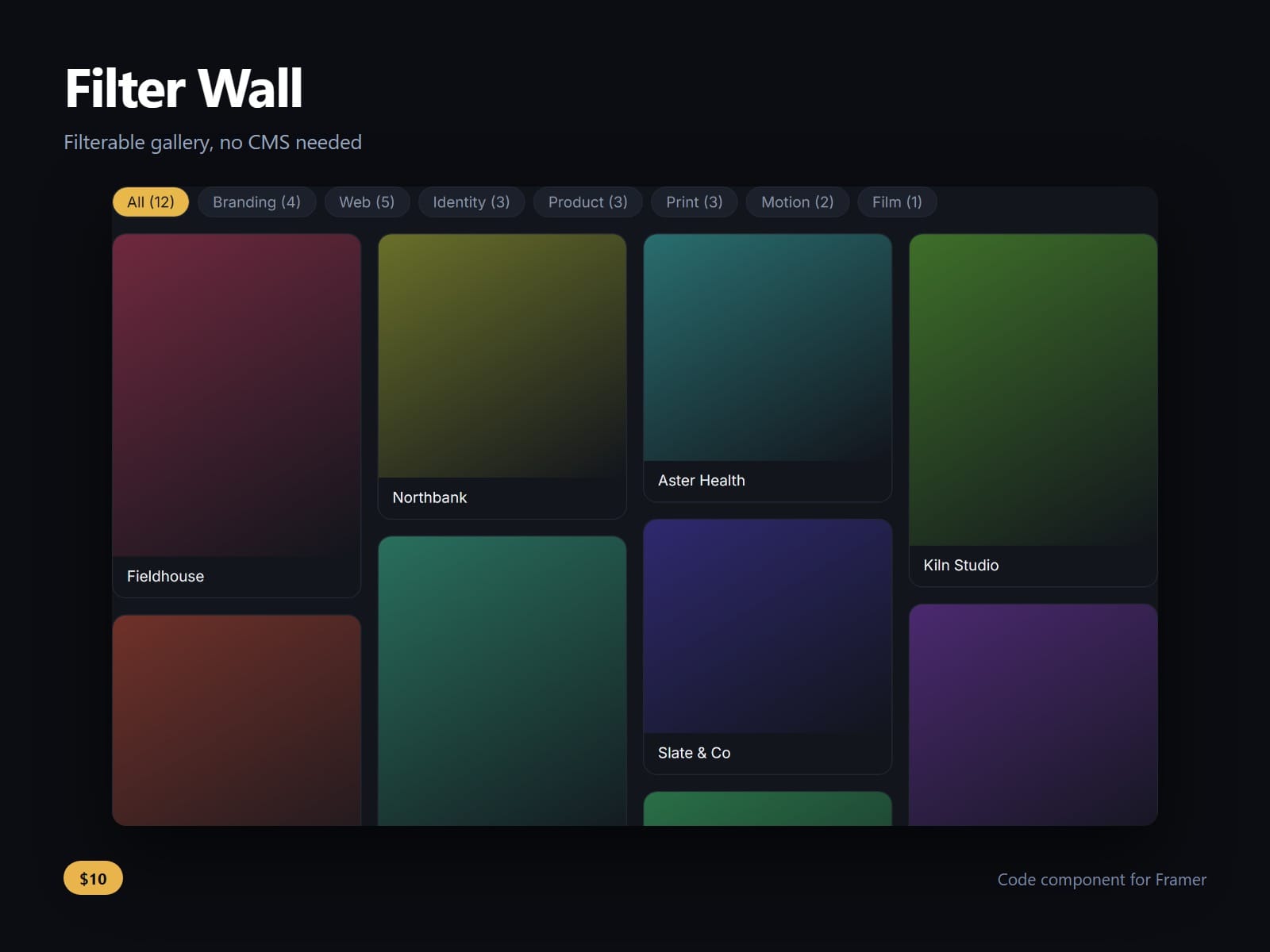
The chips are built from the tags themselves, in the order they first appear, each carrying a count. A chip that would leave the wall empty is disabled rather than removed, so the row does not reflow under a visitor's finger while they are reading it.
Filtering animates the layout rather than the opacity. A tile that survives a filter change glides to its new place instead of blinking out and back, which is the difference between a wall that re-sorts and a wall that flickers. Under reduced motion it jumps.
Columns balance onto the shortest one, so a filter that leaves five items does not leave one column holding four of them.
Single select, or multi select in any or all mode. Columns, minimum tile width, gap, counts, the All chip, radius, duration, easing, font and every colour are property controls.
After purchase you receive the component URL. In Framer, press Insert, choose Add Component URL, and paste it.
Licence: yours to use on your own sites and on client sites, commercially, with no attribution. Not for resale or redistribution: do not share the component URL, and do not publish the component or its code anywhere, paid or free. Full terms arrive with your purchase. Questions: me@majedesigns.dev