About FAQ Fold
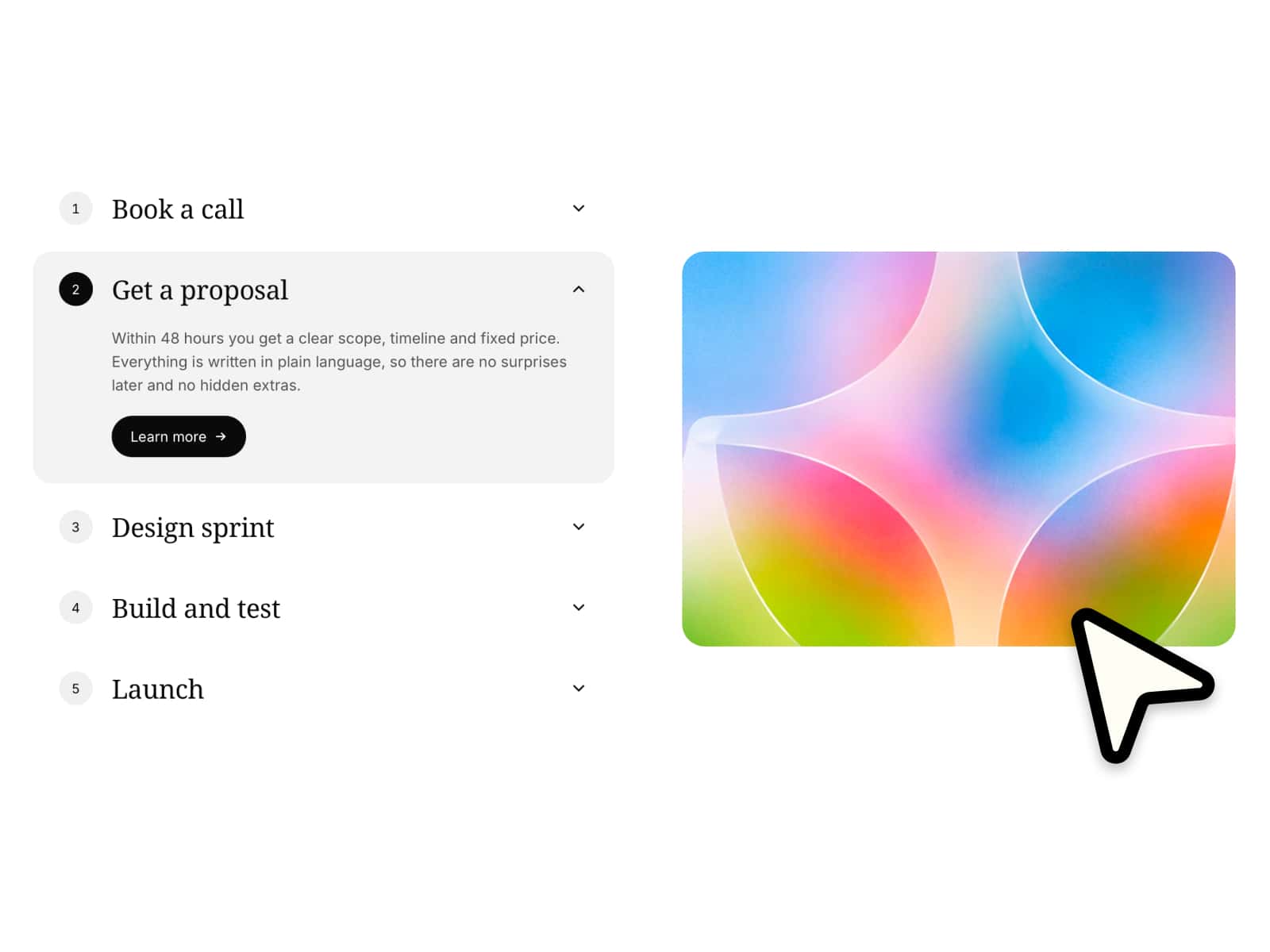
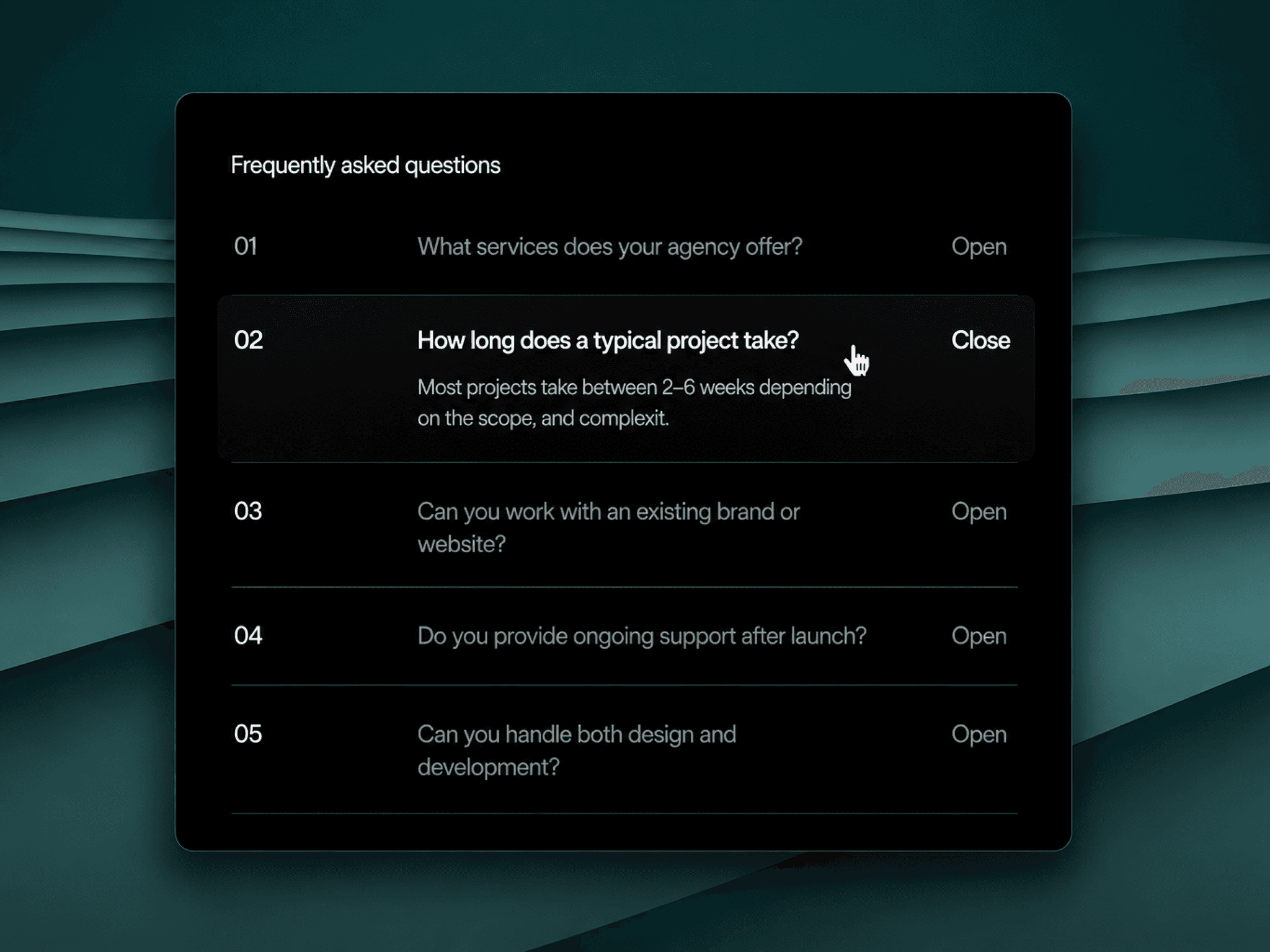
Build an FAQ from your CMS in three steps. Drop a Collection List into the Panels (CMS) slot and turn off its Pagination. Inside the CMS item, name the question text layer "Question" and the answer layer "Answer". Publish: each item's Question becomes a real button, and its Answer opens in the panel below.
Your list is read and hidden, never changed, so a Load more button is not shown. Questions always use this component's card, icon and button style. Answers keep their rich text and links; hover and click interactions inside the Answer layer are not carried over, and links in answers work as normal links. With Whole item on, everything in the item except the question opens, so answers can hold images, links or buttons. Layer names can be changed in the panel.
Style CMS layers is on by default. Turn it off to keep the text styles of your Answer layer; questions still use this component's card and button.
Initial count shows only the first N questions from the Collection List with a Show more button that reveals N more per click; 0 shows all.
No CMS yet? Leave Panels empty and type questions and answers in Items.
One at a time or several open, an item open on load, all open on desktop, and deep links that keep the open question in the URL.
Keyboard: Enter or Space opens, arrow keys, Home and End move. Reduced motion opens instantly. The canvas shows the Collection List as it is; the questions fold in Preview and on the site.