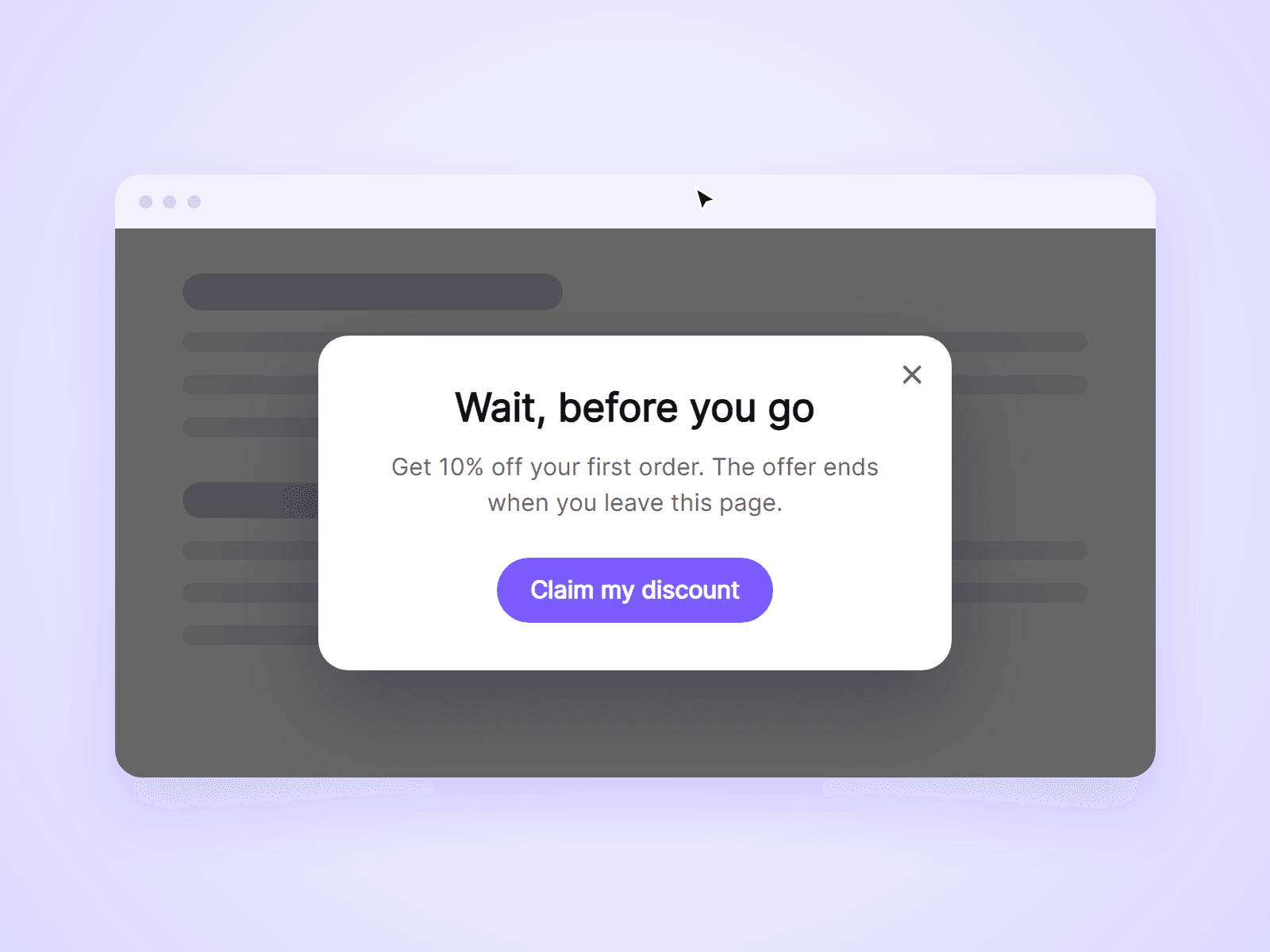
About Exit Offer Popup
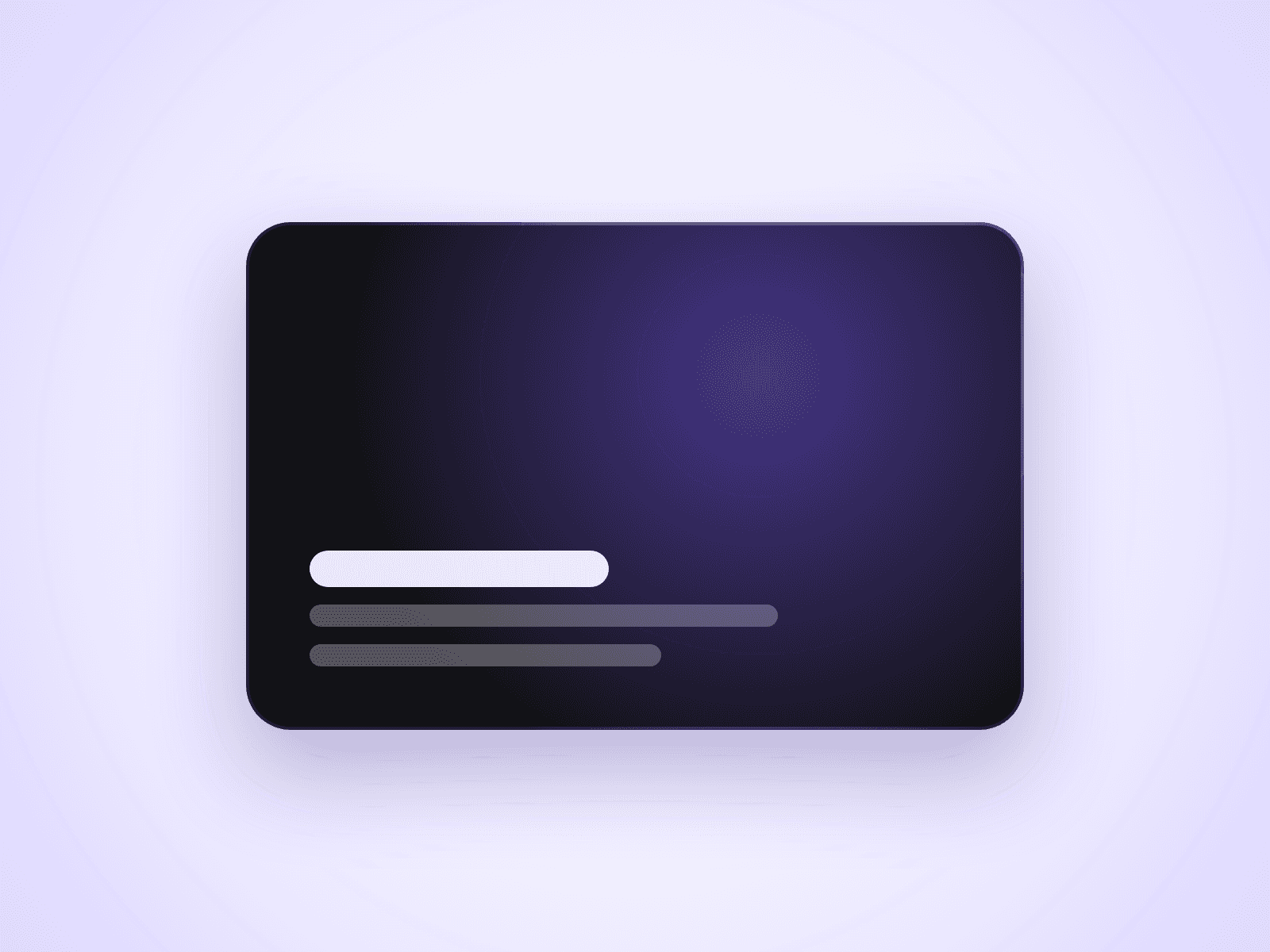
A popup that opens when a visitor is about to leave your page. Use it for a discount, a newsletter sign-up or a last reminder. Show the built-in card, or connect any frame you design in Framer.
What you can customize
Everything is set from the property panel. No code needed.
- Content: the built-in card or your own Framer layer
- Show when leaving, after a time, after scrolling, or any mix
- A separate delay for phones, where leaving cannot be detected
- How often a visitor sees it: every page load, once per visit, once every few days, or only once
- Title, text, button, card size and colors
- Overlay color, close button and click-outside behavior
- Fonts and opening transition
- On Open and On Close interactions
Details
- Leaving means the mouse moves out through the top of the browser window. The sides are ignored, and so is the first second after the page loads.
- The popup opens once per page load, even with several triggers on.
- Visitors close it with the X button, the Esc key or a click outside. The page behind does not scroll while it is open.
- Change the Popup ID to show the popup to everyone again.
- The component does not collect data. To collect emails, connect your own frame with a Framer form.
How to use
Add the component to your page and set its Position to Fixed, so the placeholder takes no room. Type your title and text, or connect your own frame to Content, then pick the triggers in Show When. To test it, set Show to Every Page Load, open the preview, and move your mouse up to the browser's tabs.
Code
This is a code component. Unlinking is not available, so the source cannot be viewed or edited. Updates arrive through the Update button in your Assets panel.
Support
Email joviseo1106@gmail.com. Replies usually take up to 3 business days. More components, including four free ones, are at https://joviseo.vercel.app