About Dusk Brush
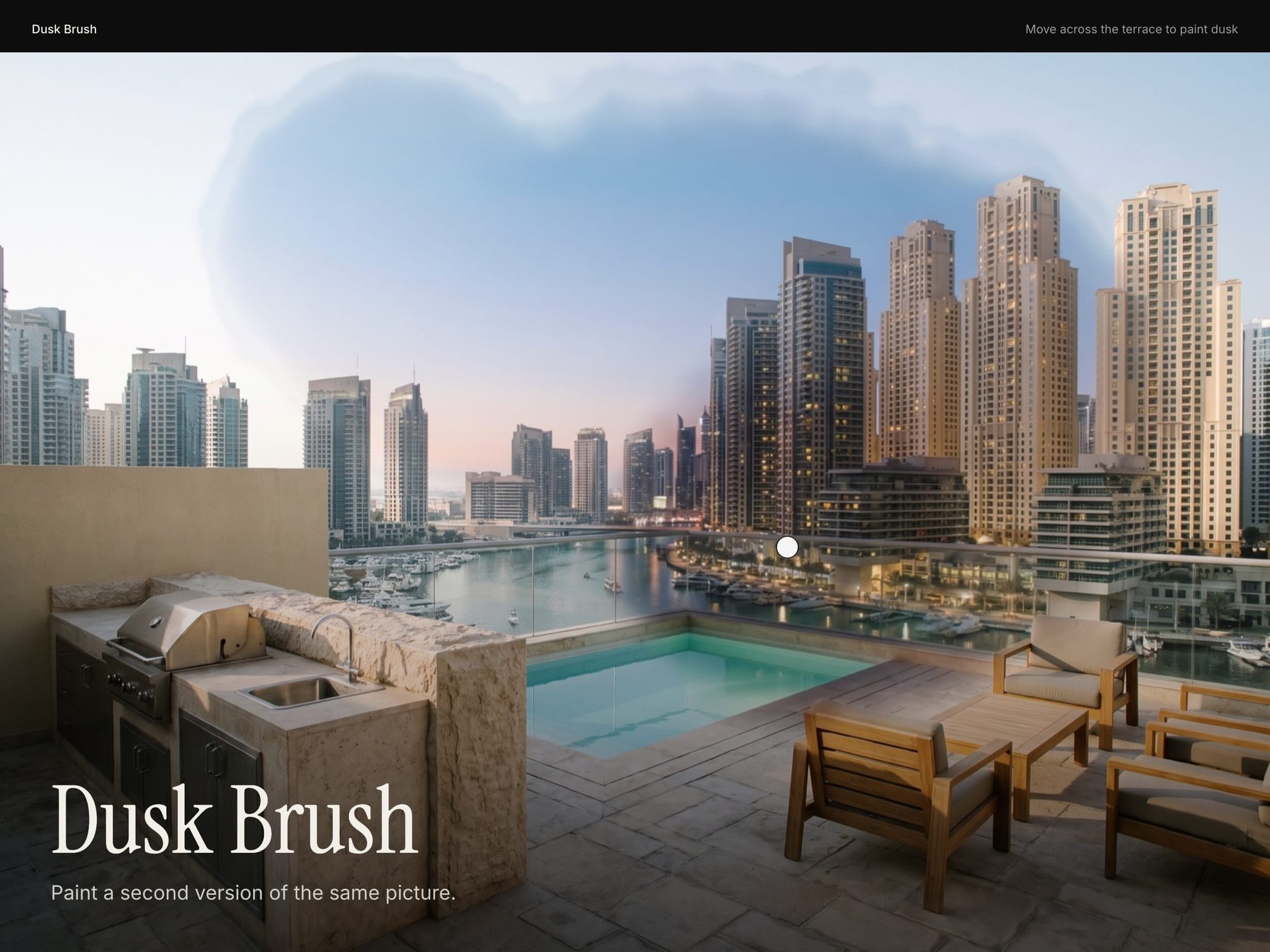
Paint a second version of the same picture with a soft, organic brush that follows the cursor. The painted trail lingers, then fades back to the first picture.
Use two shots of the same frame: day and dusk, empty and furnished, sketch and render. They must line up exactly. Any two frames also work as layers.
Controls
Base Image: Picture seen at rest.
Reveal Image: Picture painted in by the brush. Same size and framing as the base.
Reveal Video: A video painted in instead of the reveal picture. Plays muted.
Base Layer: Any frame to use instead of the base picture.
Reveal Layer: Any frame to paint in instead of the reveal picture.
Focus: Focus point when the pictures are cropped, as x% y%.
Brush: Brush size.
Phone Brush: Brush size on phones.
Softness: How soft the brush edge is.
Organic Edge: How irregular the brush edge is. 0 is a clean circle.
Trail: How long the painted area stays before fading back, in seconds.
Follow: How tightly the brush follows the cursor. Lower trails behind.
Speed Grow: How much the brush widens when the cursor moves fast.
Background: Colour shown before the pictures load.
Radius: Corner radius.
Phones, dark mode, Arabic
On touch screens a tap or a finger drag paints, with a smaller brush (Phone Brush). With reduced motion the brush follows the finger or cursor without easing. Colour controls take your tokens, so dark mode follows the theme, and it works on Arabic right-to-left pages.
What you get
After checkout: the component link to paste onto your Framer canvas, plus an editable Framer project with a demo page.
All ten in one project for $49: Motion Kit
All sales are final, no refunds.