About Canvas Explorer
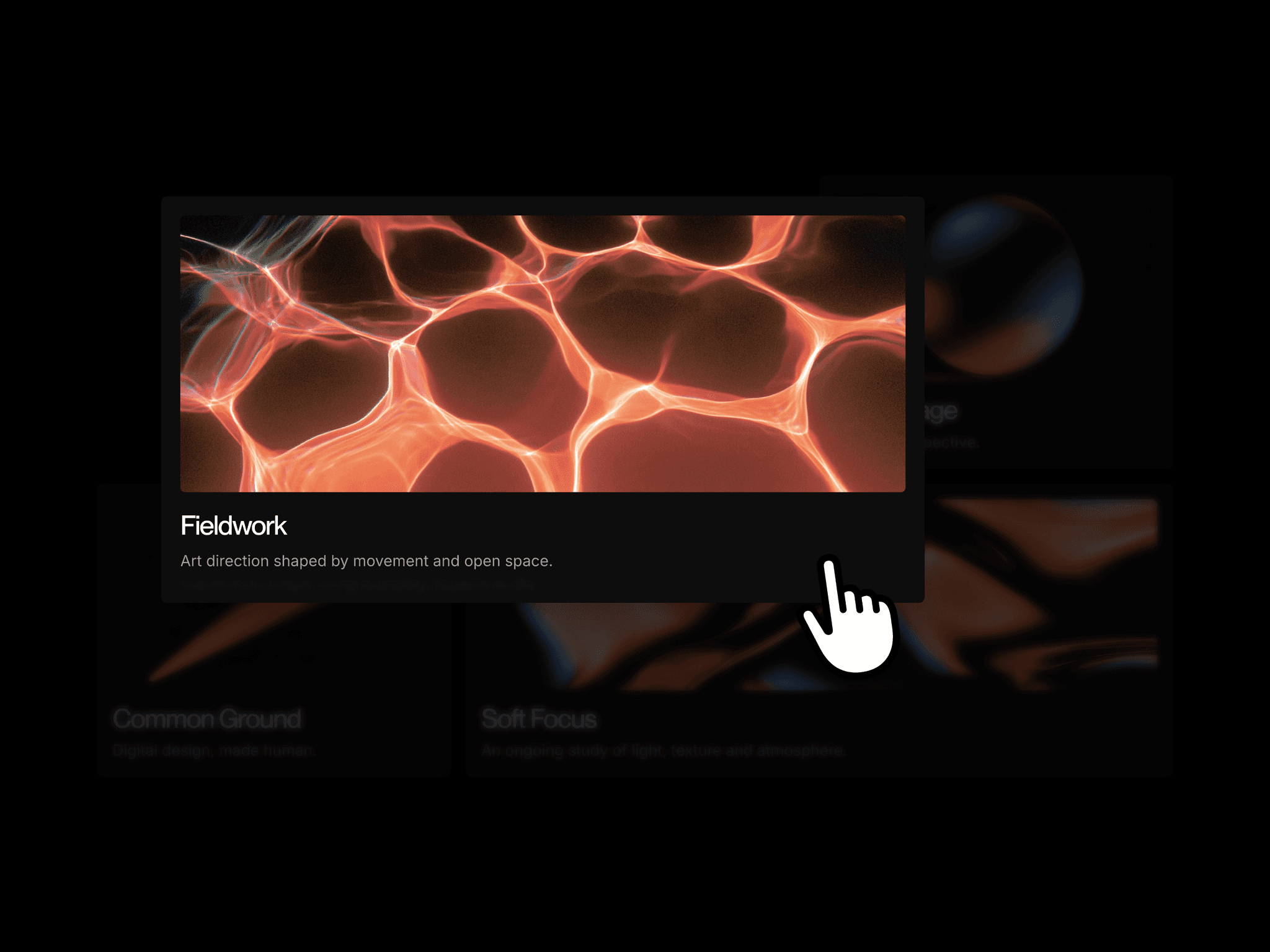
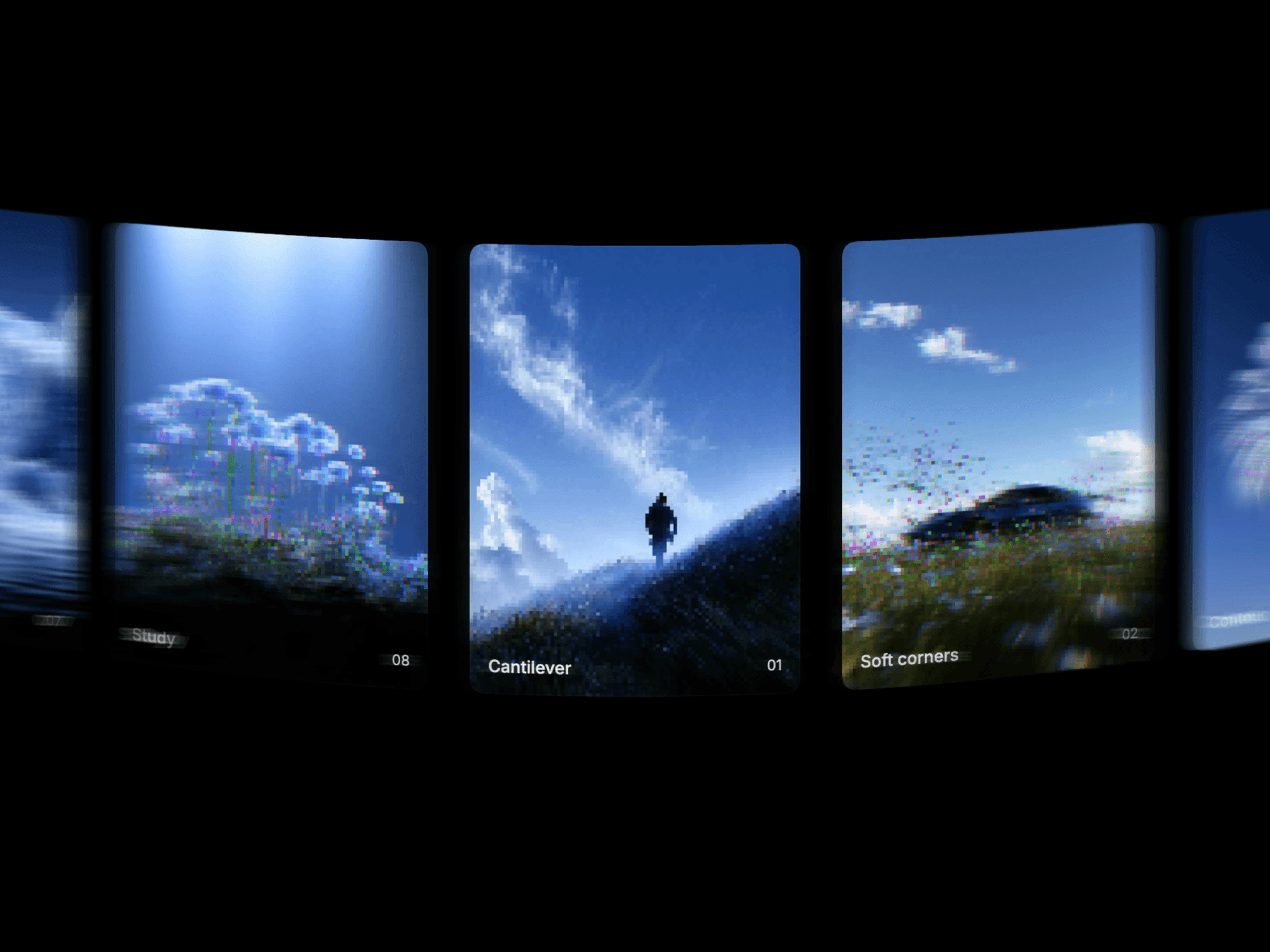
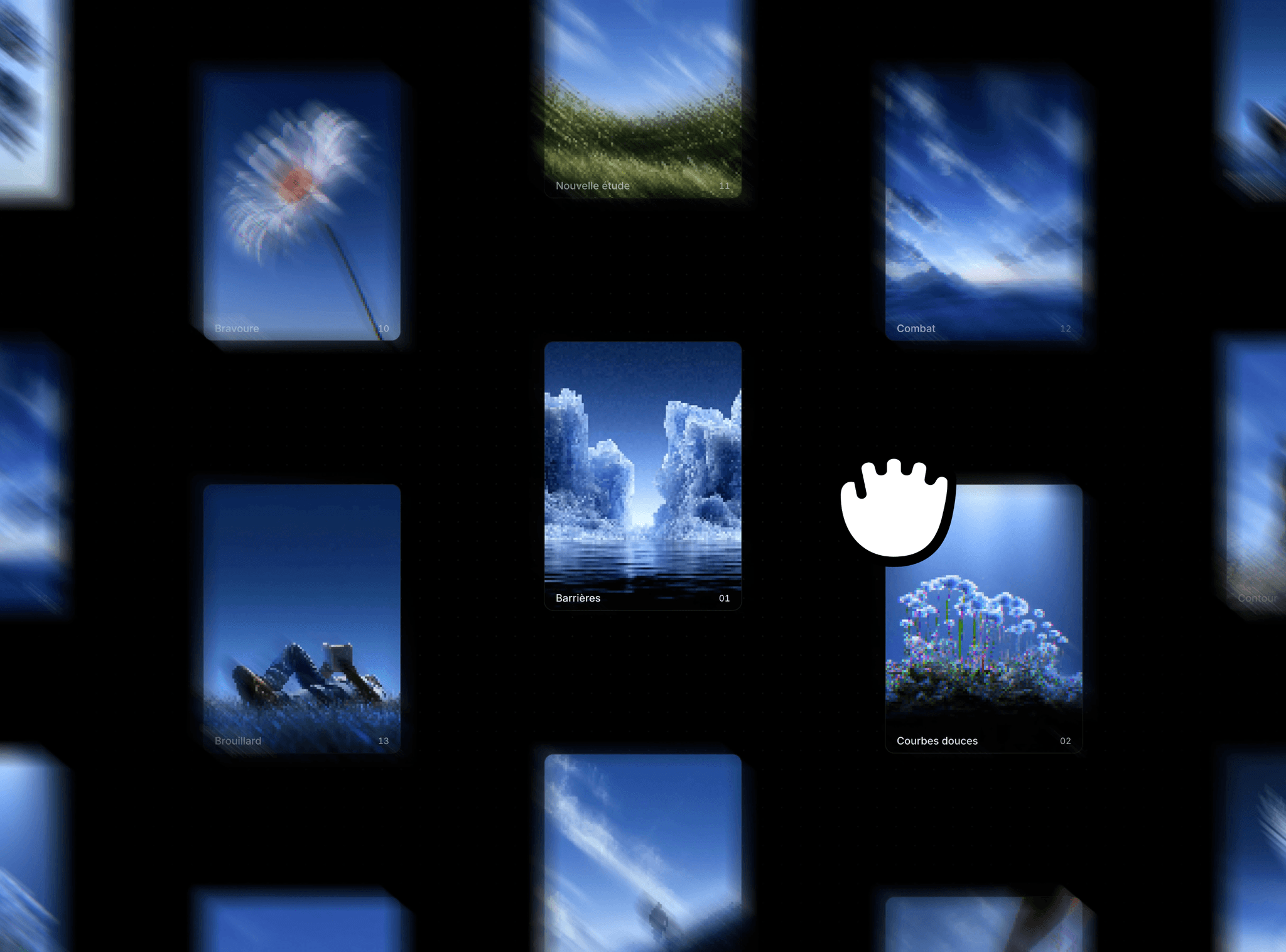
Canvas Explorer spreads image cards across an endless gallery that visitors can drag in any direction. A staggered layout gives each image room, while captions and index numbers add context. Optional inertia keeps the canvas moving after each drag.
What you can customize
Manage the collection through Cards. Adjust card width, height, gap, stagger, and corner radius in Layout. Choose a Hover effect and refine its scale, lift, and duration.
Customize the font, caption size, weight, color, number size, insets, and shading. In Canvas, set the background and dot colors, show or hide the dots, choose the starting zoom, and toggle inertia.
How to use
Copy the component from the Marketplace and paste it onto the canvas
Open Cards to replace images, edit captions, and add or remove items
Adjust Layout and Hover to shape the gallery
Set Captions, Font, and Canvas to match your site
Preview the page and explore
Great for
Photography archives
Creative portfolios
Visual moodboards
Artwork and design collections