About Blend Cursor
Get a full access to all components. Currently adding new components daily · $79/year · Unlimited projects.
Checkout link : https://contra.com/payment-link/bSGqMgcS-struxent-all-access
About
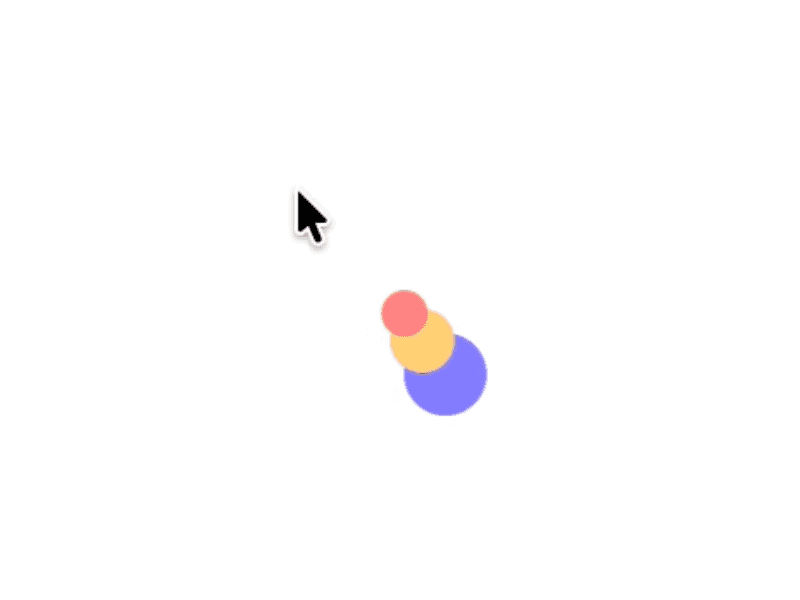
A cursor that transforms the content beneath it. It follows your pointer with a subtle delay, then settles precisely on it when you stop.
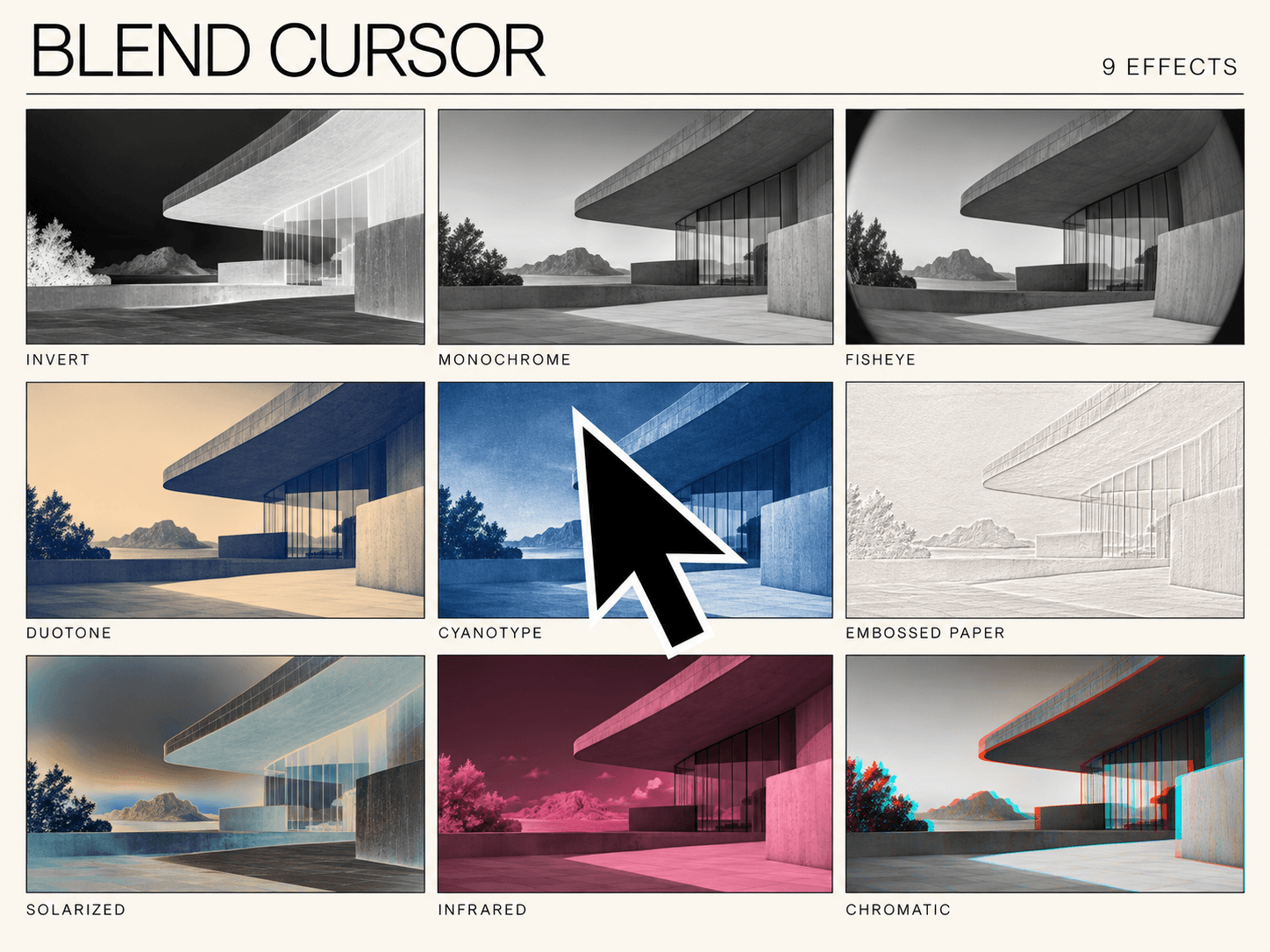
Choose from 9 effects: Invert, Monochrome, Fisheye, Duotone, Cyanotype, Embossed Paper, Solarized, Infrared, and Chromatic.
Make it yours
Choose a square, circle, diamond, or hexagon.
Adjust size, effect intensity, and follow delay.
Set colors for Invert, Duotone, Cyanotype, Embossed Paper, and Infrared.
Blend Cursor has a zero-size footprint on the Framer canvas, so it stays out of the way while you edit. The live cursor lets visitors click the content beneath it and hides on touch devices and when reduced motion is enabled.
How to use
Add Blend Cursor to your Main Layout to use it across all pages, or place it on a single page.
Choose a shape and effect in the properties panel.
Adjust the size, intensity, colors, and follow delay.
Open desktop preview to see it in motion.