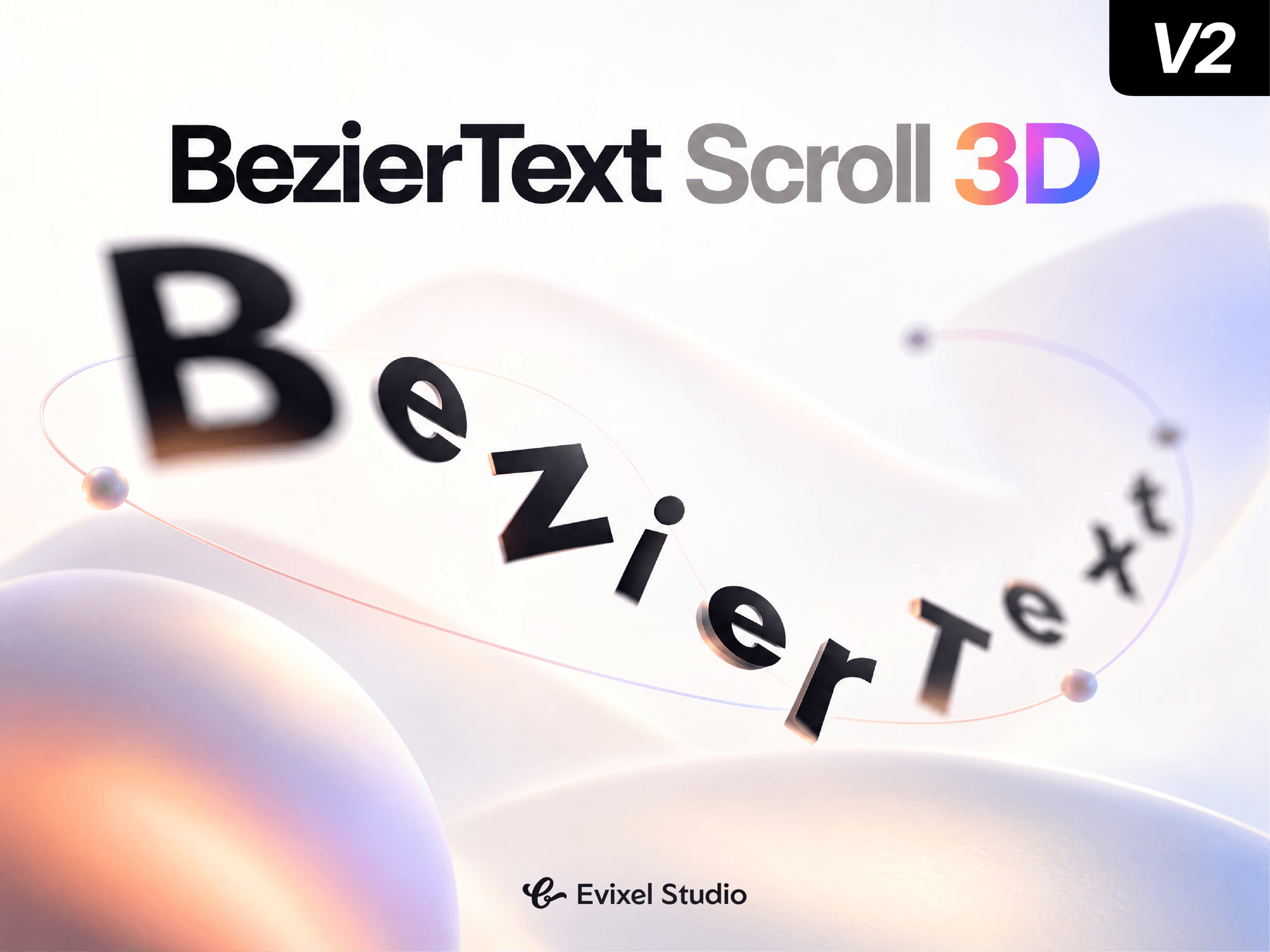
About Bezier Text 3D
Bring headlines to life with cinematic, curved 3D entrances. Bezier Text 3D animates letters, words, or lines along customizable 3D Bézier trajectories with depth, rotation, scale, and optional blur—driven seamlessly by page scroll or timed triggers.
Key Features
3D Bézier Trajectories: Guide text along X, Y, and Z axes with an adjustable 3D curve control point for dramatic arching and depth overshoot.
Scroll & Time Drivers: Scrub motion smoothly with page scroll (spring-smoothed) or trigger on page load, in-view, or hover.
Granular Splitting: Animate individual letters, words, or lines with customizable stagger timing and directional ordering (Center Out, Edges In, Random, etc.).
Full 3D Entrance FX: Add starting 3D rotations (X, Y, Z), scale, progressive fade-in, and motion blur that settle into crisp, readable text.
SEO & Accessible: Renders an accessible, un-split hidden copy for screen readers and search bots while visual spans handle 3D motion.
Optimized Performance: Direct DOM style writes eliminate React re-render overhead, with full reduced-motion support.
Property Controls
Typography: Full font formatting (family, weight, size, letter spacing, line height), color, and text alignment.
Driven By: Toggle between Scroll (start/end thresholds, smoothing) and Time (duration, delay, easing curves, in-view triggers).
Sequence: Split by Letters, Words, or Lines; set stagger duration, order patterns, and unit easing curves.
3D Path & Entrance: Set perspective, 3D start/curve coordinates (X, Y, Z), 3D rotations, start scale, and blur.
Options: Overflow clipping, accessibility options, and live canvas preview scrubber.
Quick Start Guide
Drop the component onto your Framer canvas.
Enter your copy in the Text control.
Choose your motion mode (Scroll or Time).
Adjust 3D Path coordinates and preview the live flight path!