About Apple Duo's effect
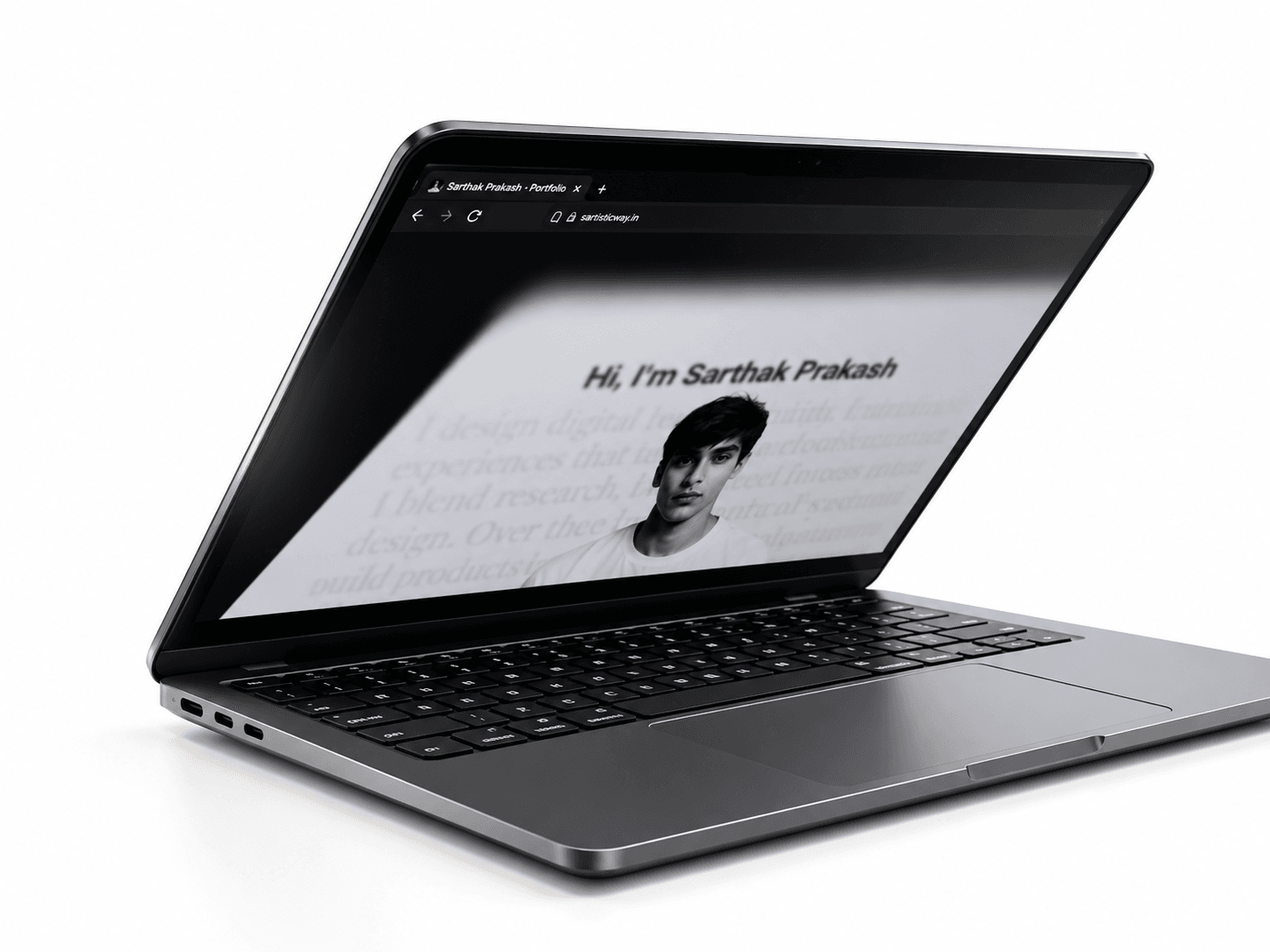
Virtual Screen Fold Pro connects your interface to the physical movement of a laptop screen.
Inspired by Apple Duo’s fold interaction concept, this experimental Framer component uses camera-based tracking to create a progressive 3D fold with blur and dimming.
How it works
Enable Camera Fold, allow camera access, and keep your face visible during automatic calibration. Slowly lower your laptop lid to fold the interface, then raise it to return to the open state. Tracking estimates movement through the camera rather than measuring the hinge angle.
Camera or Manual
Use camera tracking for the physical interaction, or choose a manual slider to control the fold without camera access.
Features
Automatic calibration and recalibration • Face and upper-body tracking
Progressive 3D folding, layered blur, and dimming
Tracking pauses offscreen and in hidden tabs
Reduced-motion support and static canvas preview
Multiple fixed nodes with individual positioning
Customization
An organized property panel lets you edit button text, fonts, colors, labels, spacing, positioning, and fold effects. Adjust slider width, track height, and thumb size. Place camera or slider labels above, below, left, or right.
Connect your content
Connect your page frame through Content. Use Fixed Nodes and Node Layouts for navigation or other elements that stay anchored during scrolling and fold with the interface.
Try it
Camera tracking is inactive on the Framer canvas. Click Show Preview. If camera access is restricted, open the published site in a new tab.
Requirements
HTTPS or localhost, camera permission, and a compatible browser and camera. Best with a laptop’s built-in camera, good lighting, and one person in view. Sudden movement or low light can interrupt tracking.
Frames are processed locally. No recording or microphone is requested.
Built with Framer · React · TypeScript · MediaPipe