About Aisol Quote Motion
Use your CMS in three steps. 1) Drop a Collection List into the Quotes (CMS) slot and turn off its Pagination (Load more / Infinite): the component reads the list and shows every item, so the list's own Load more button is not shown. 2) In the item, name the text layers Quote, Author and Role, plus optional Avatar (image), Rating (1–5 or ★★★★★) and Source. 3) Preview or publish: each CMS item becomes one quote. Layer names can be changed in the panel, and the item's link becomes the quote's link.
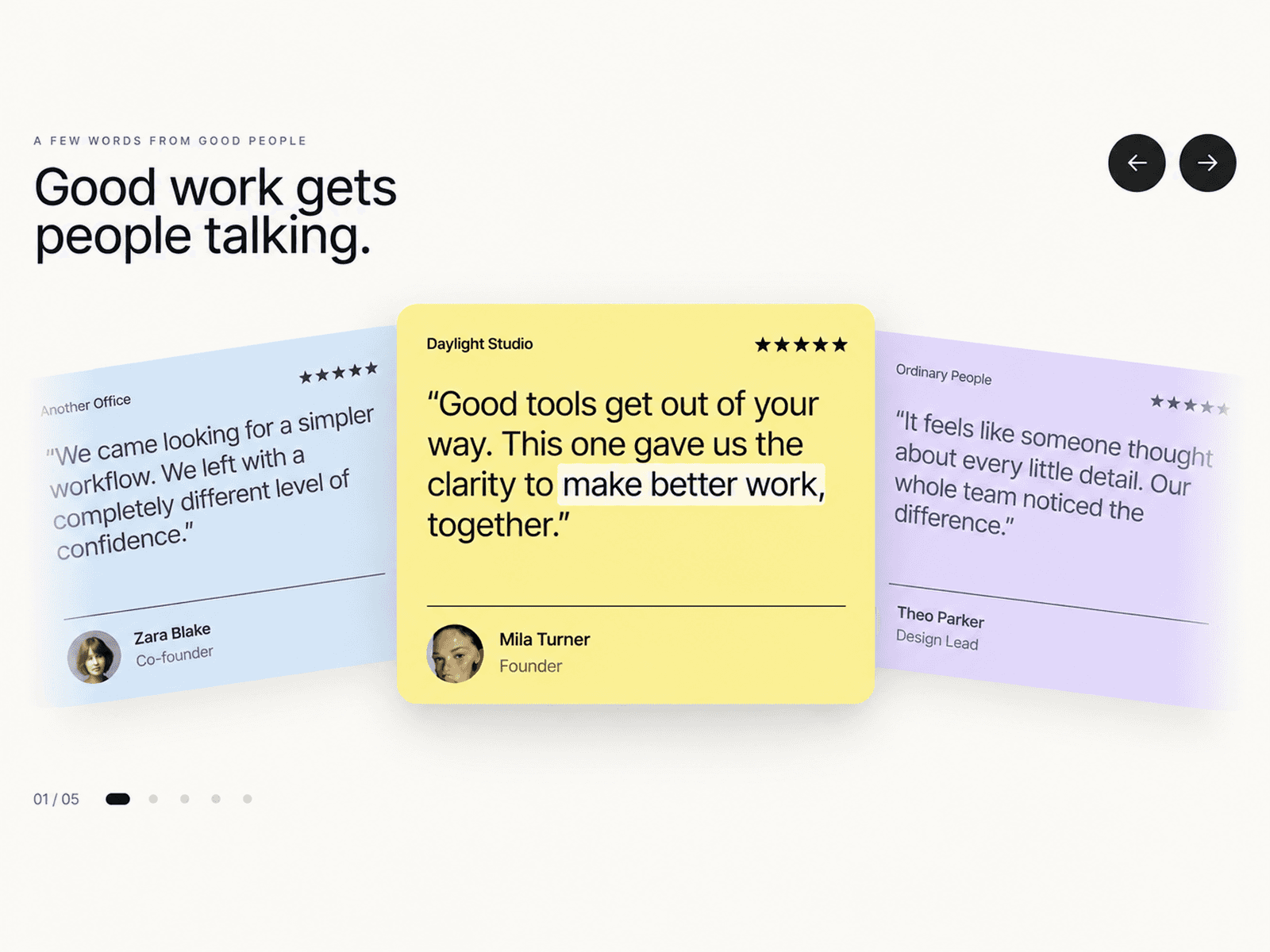
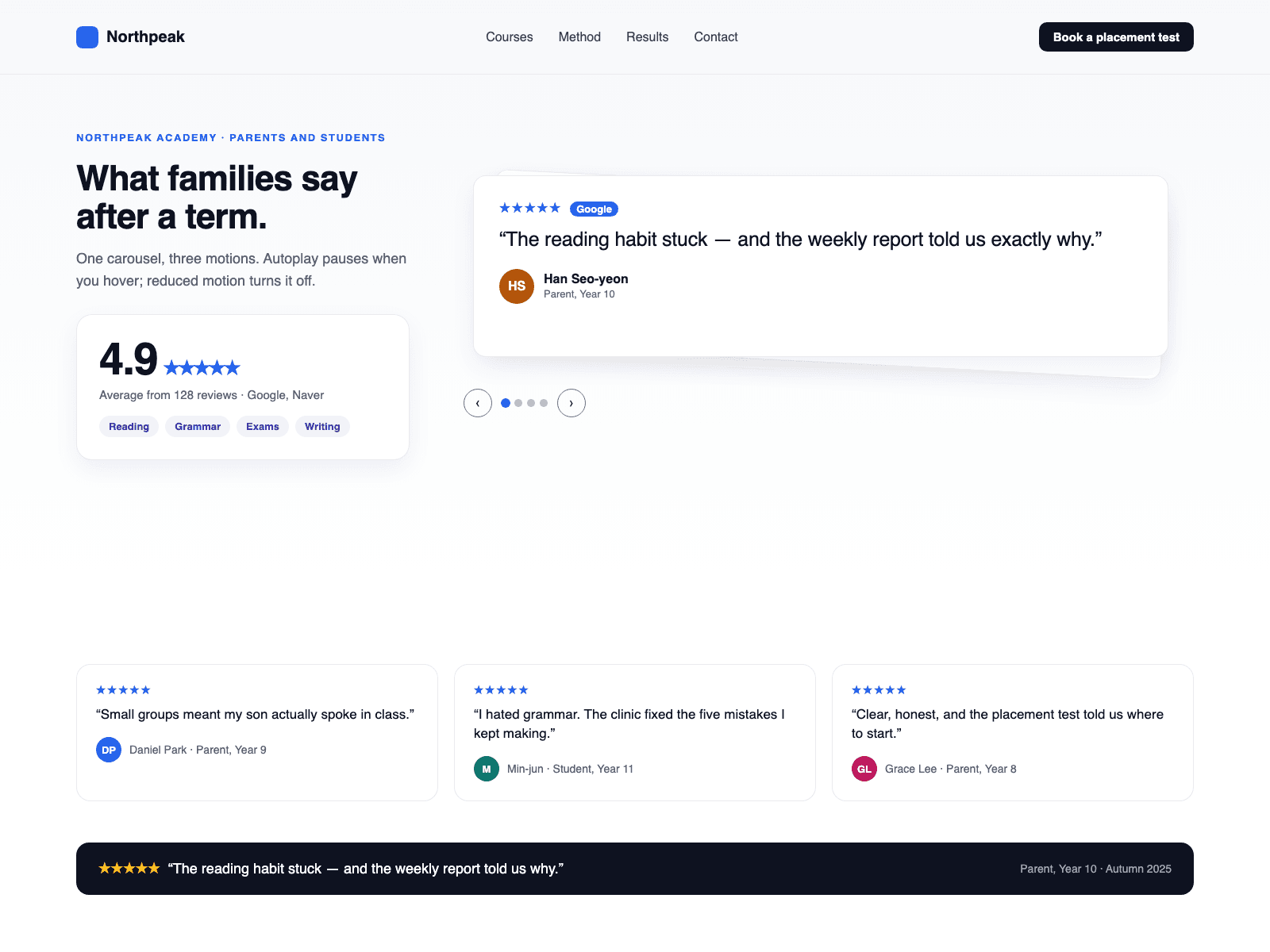
One testimonial carousel, three motions: slide, stamp and fade.
- Autoplay pauses on hover and focus, off screen and in background tabs. Under reduced motion it is off and quotes change without animation; arrows, dots and arrow keys still work.
- Screen readers get one quote at a time; the position is announced when the visitor changes the quote.
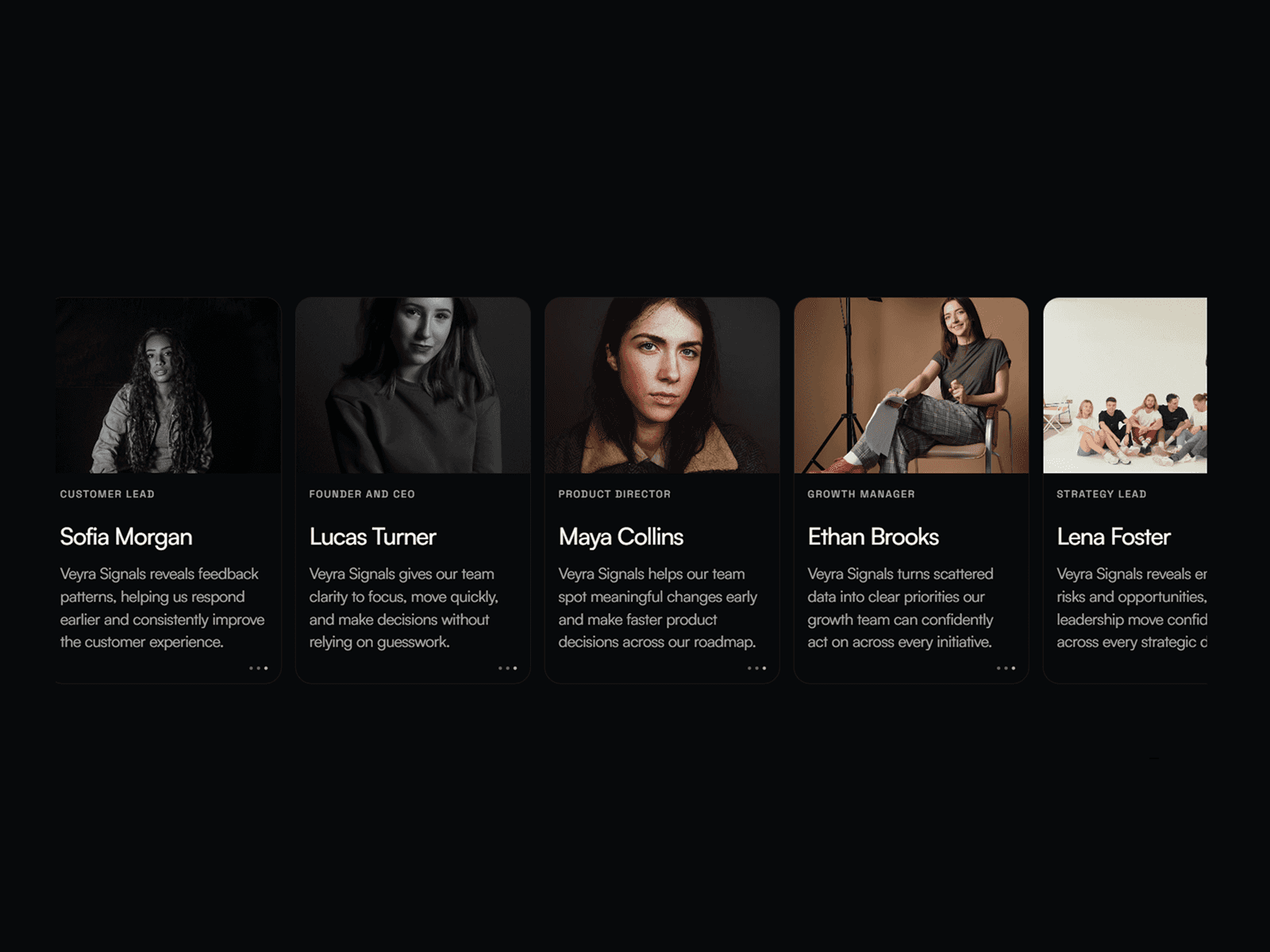
- Stars, a source badge, an avatar (or initials) and a link per quote. Avatar images must use https URLs; links accept http(s), mailto, tel and relative paths.
What you control
- Typed quotes when you have no CMS: quote, author, role, avatar, rating, source, link
- Motion; autoplay seconds (0 turns it off)
- Arrows, dots, stars, avatars; left or centred
- Max width, radius, padding, font, text size and four colours
- Every word: labels, star and position wording, empty text
The canvas shows the first card at rest; CMS items split into quotes in Preview and on the live site. For a grid, use CMS Review Wall.