About Arc Portfolio Deck
Give your selected work a space worth exploring.
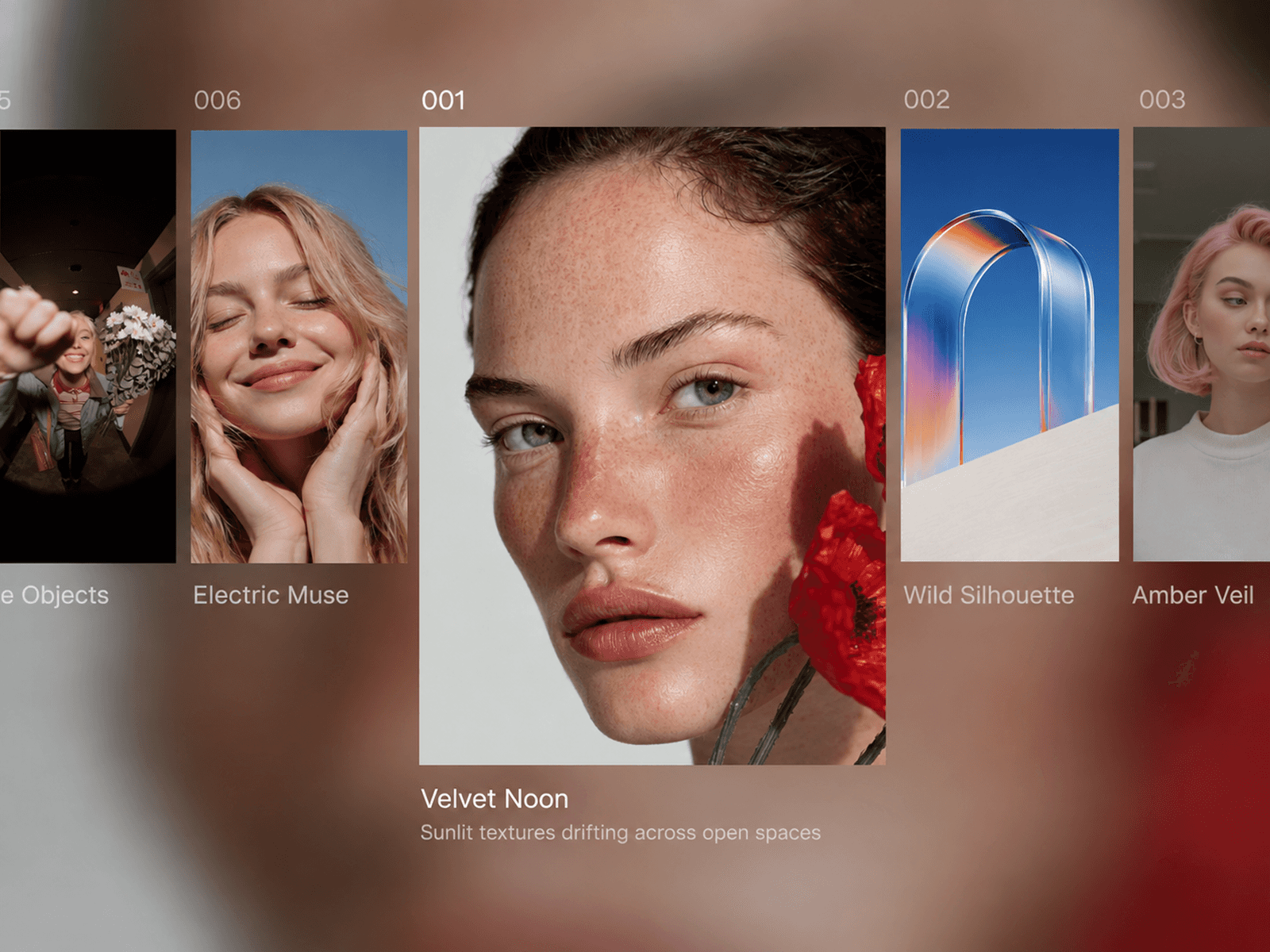
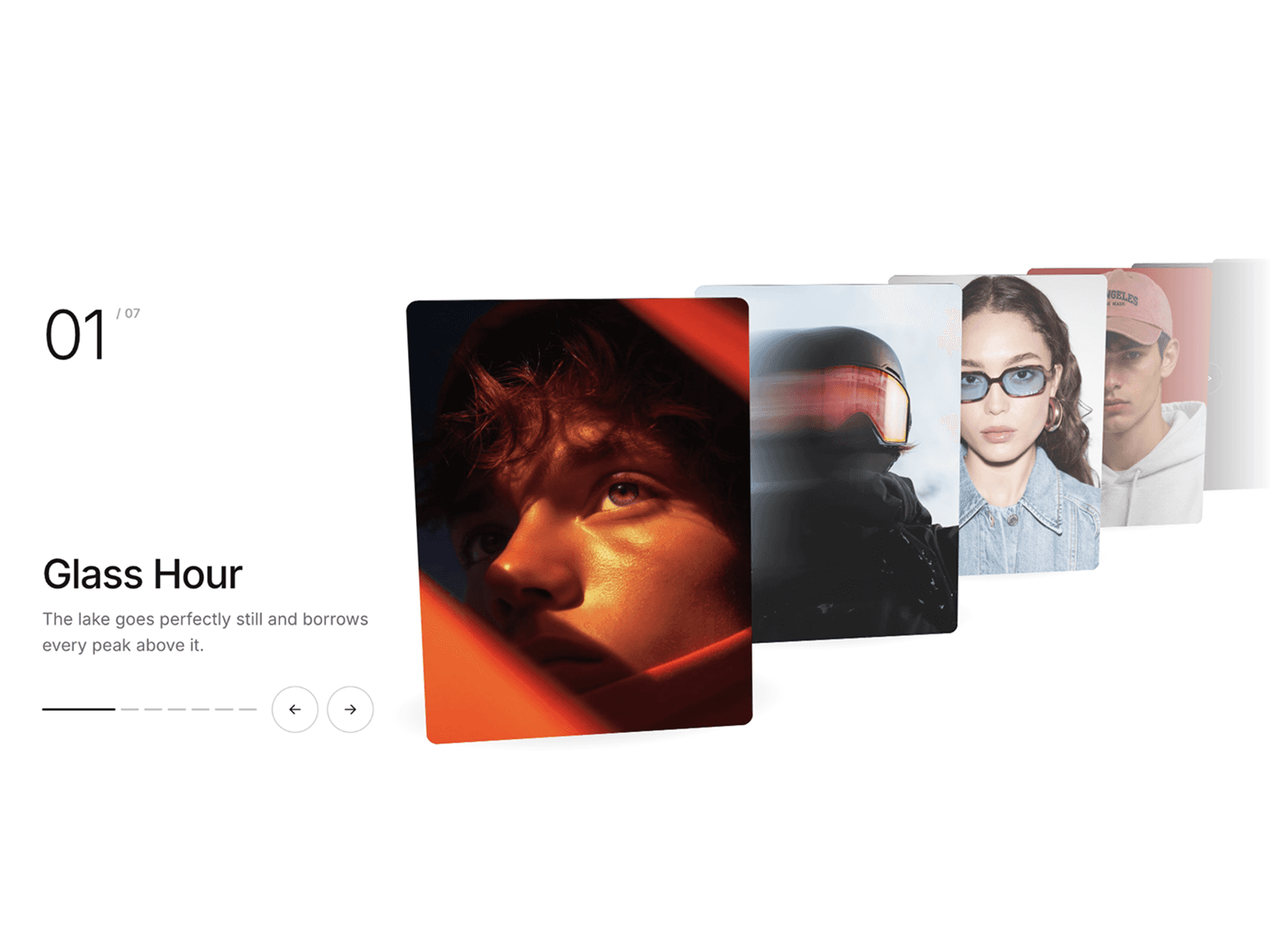
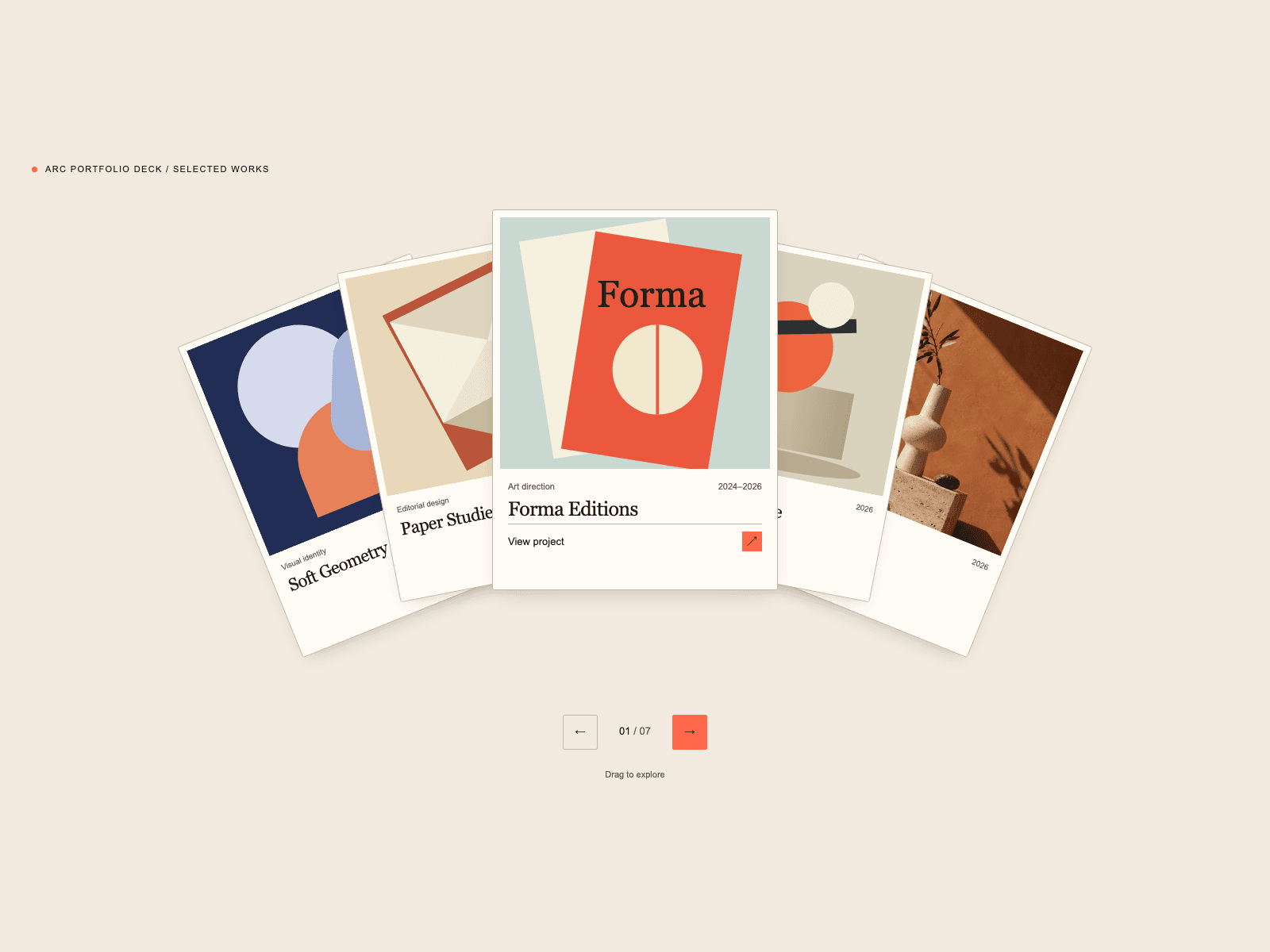
Arc Portfolio Deck turns your projects into a curved collection of editorial cards. Visitors can drag, swipe or use the keyboard to move through your work, then open a project's own page from its active image or View project button.
Use it for a designer portfolio, a studio's selected projects, photographic series or an editorial collection. Choose Editorial Cream for a warm, paper-like feel, Midnight Archive for a darker presentation, or build your own palette with Custom.
Included
• One destination per project: link to a page, section or external URL, with an optional new tab.
• Editable images, project names, categories and years in Framer's property panel.
• Controls for card size, overlap, arc depth, rotation, typography and shadows.
• Responsive layouts that adapt to the component's available width.
• Drag and swipe, navigation buttons and keyboard controls.
• Optional looping and playback that starts when visitors press Play.
• Reduced-motion support and project selection announcements.
• English and Spanish setup guides, customization reference and troubleshooting.
Try the live preview to explore both presets and open the project links.
Compatibility and setup
Built for Framer. Use Fill width in a stack and Fit content height. After a fresh insertion, select the images for your Projects; sample image fields can be empty. Side cards select a project first, while the active image and CTA open its destination.
This version is a presentation component, without CMS integration, a lightbox or video gallery. Small looping collections use a brief fade when recycling cards. The surrounding demo website is not included.
Documentation: https://dark-weekend-574312.framer.app/components/arc-portfolio-deck
Documentación en español: https://dark-weekend-574312.framer.app/es/components/arc-portfolio-deck
Support: arforgelabs.support@proton.me