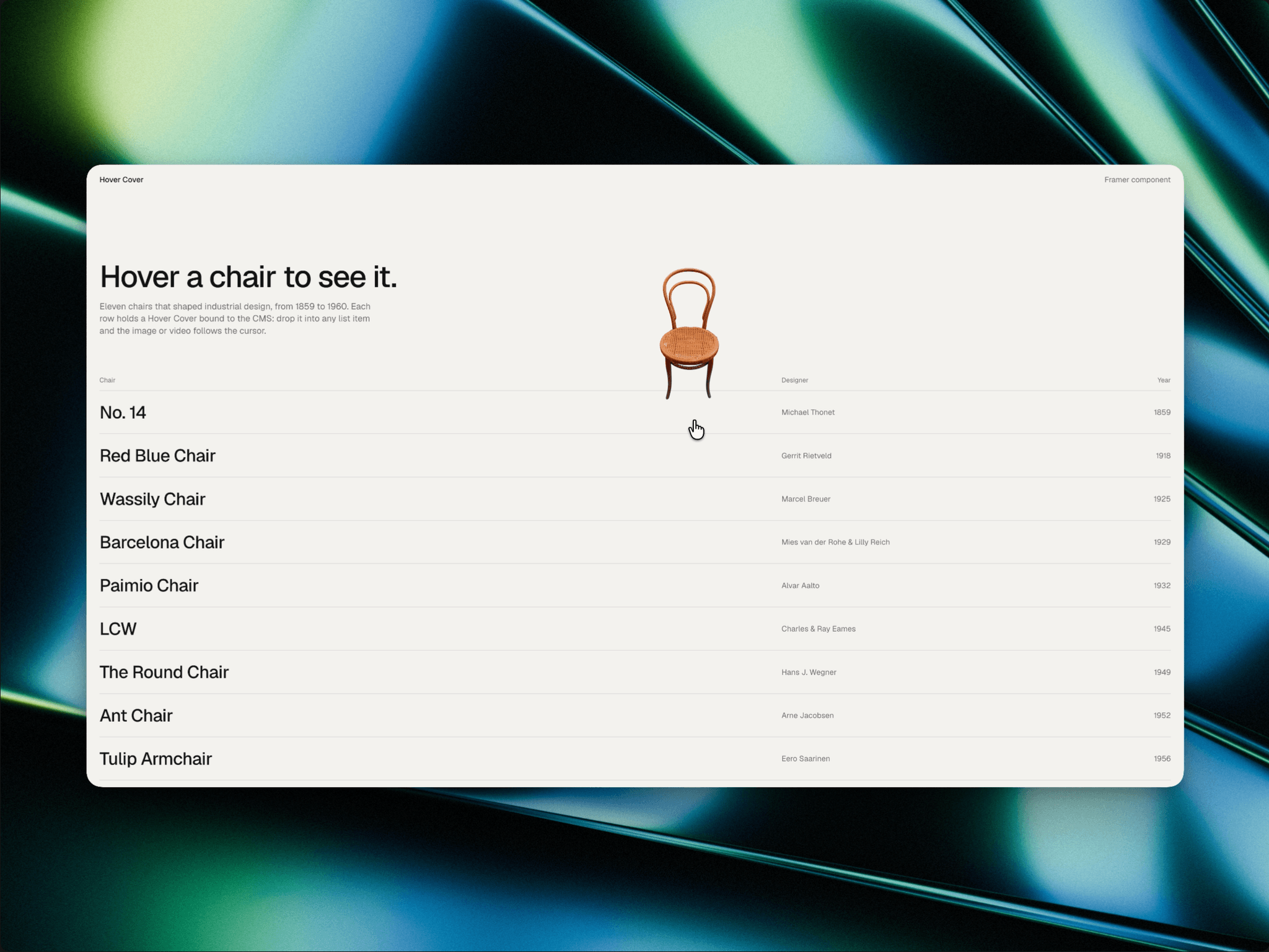
About Hover Cover
Show a project's cover image or video right next to the cursor while someone hovers a list item. Built for CMS portfolios, indexes and shop lists.
How to use
Drop Hover Cover inside the item of any list or CMS list and set its position to Absolute.
Connect Image (and optionally Video) to your CMS fields.
Resize the layer. That's the size of the preview.
Features
Works with any CMS collection. No page variables, overrides or setup.
Moving between items keeps one card on screen and swaps the cover, so there's no flicker.
Images and videos (MP4/WebM), with the image used as the video poster.
Placement above, below, left, right or centred on the cursor, with an adjustable gap.
Smooth, Snappy or Instant follow, plus a custom enter scale and transition.
Fill or Fit, with radius, background and shadow.
Keeps the preview inside the window.
Off on touch devices by default, and respects reduced motion.
Videos only load when hovered, and the preview renders above everything so parent clipping can't cut it off.