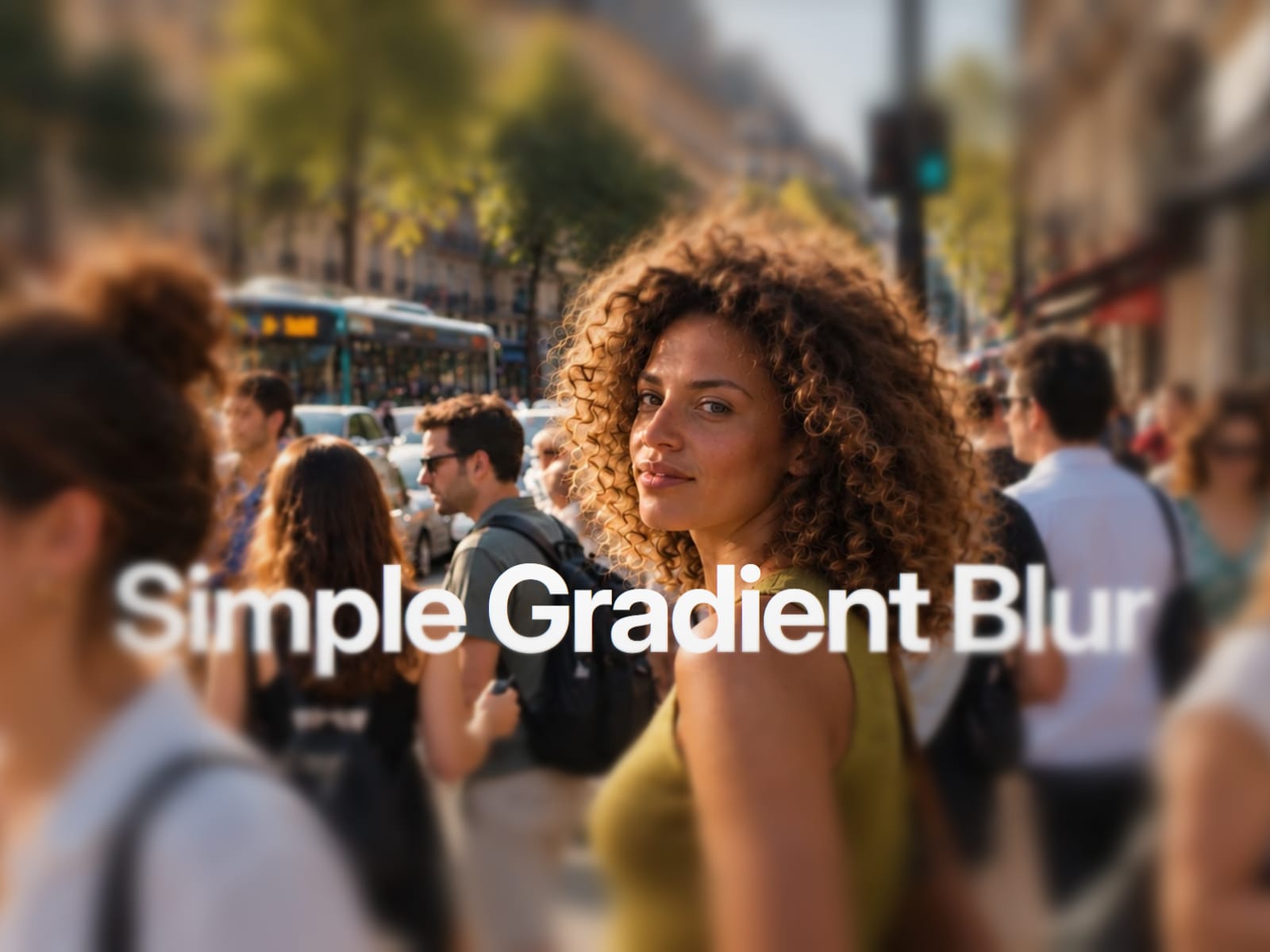
About Simple Gradient Blur
Add a smooth gradient blur to any background.
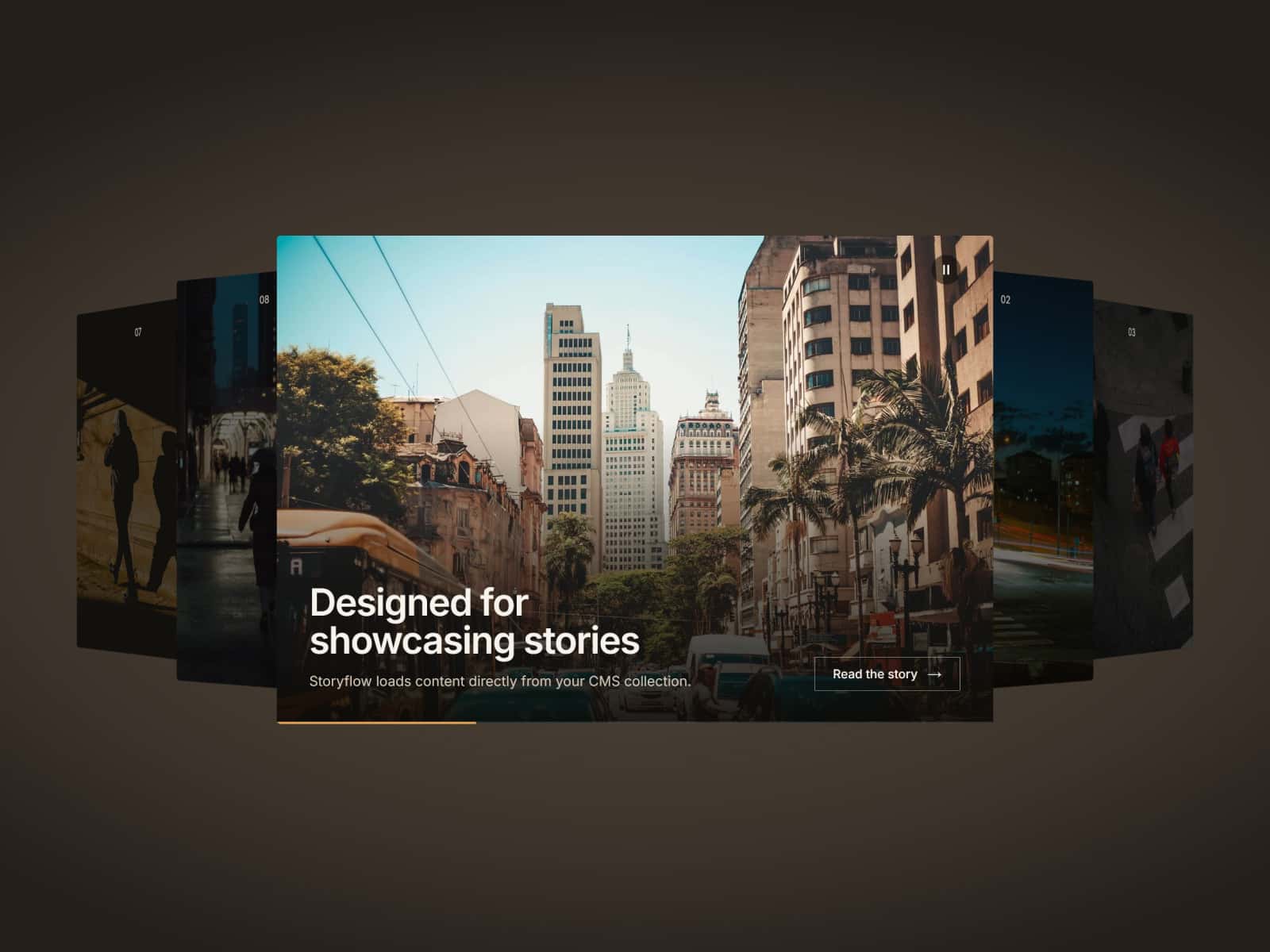
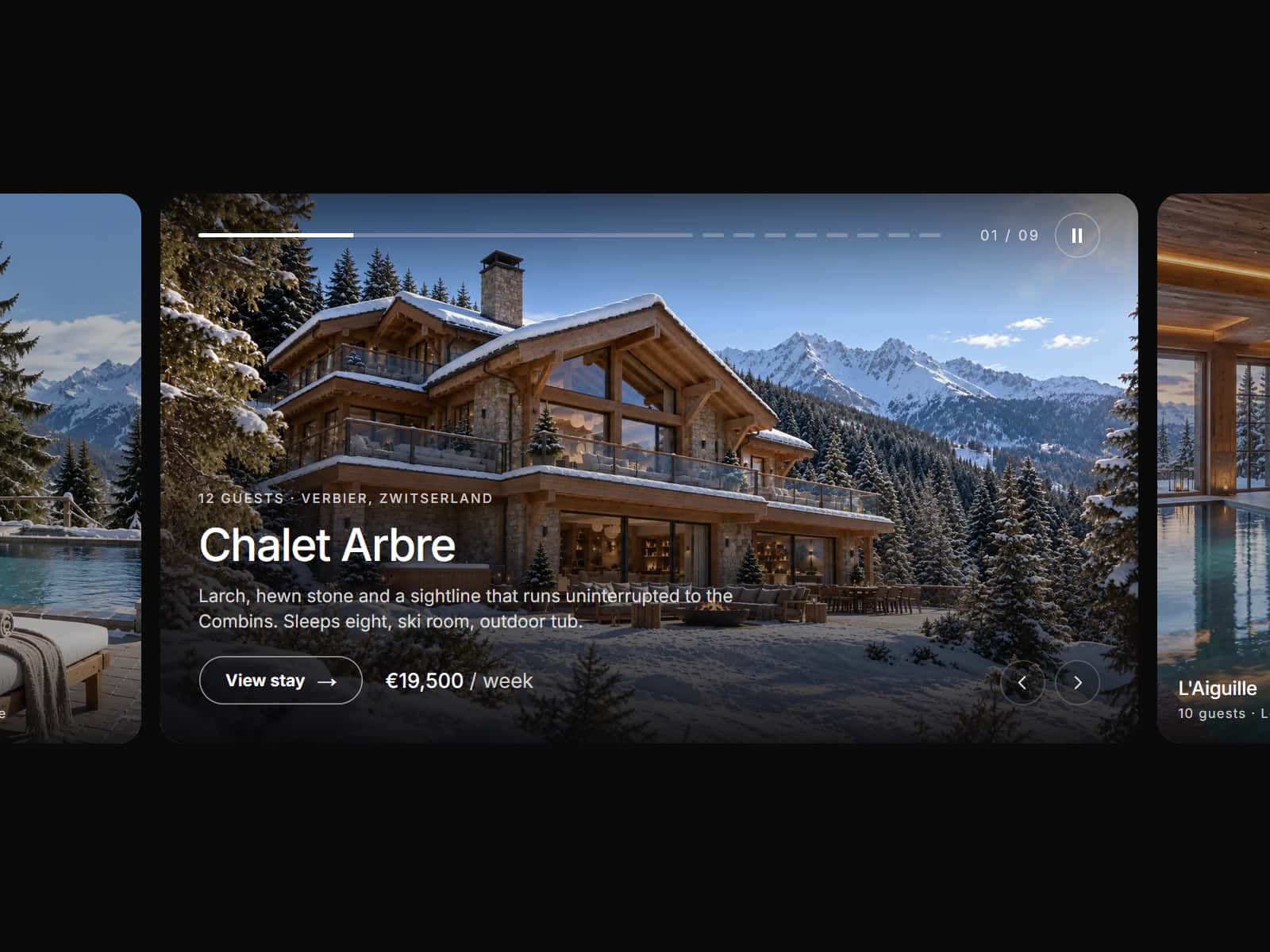
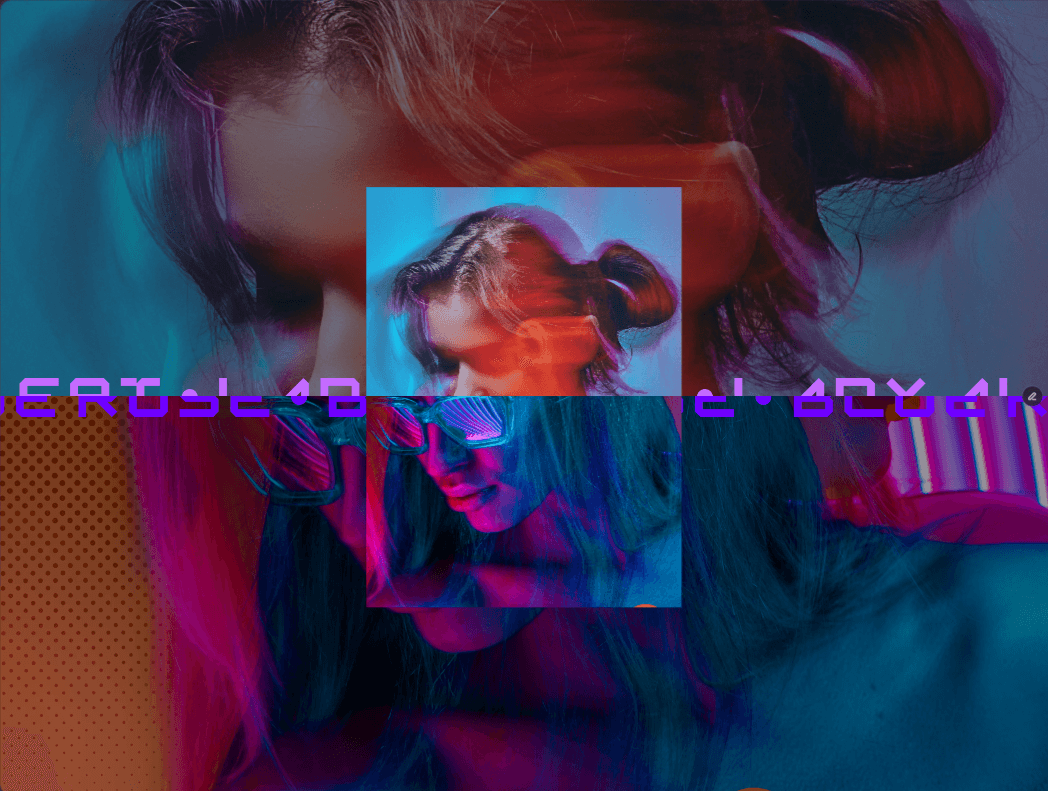
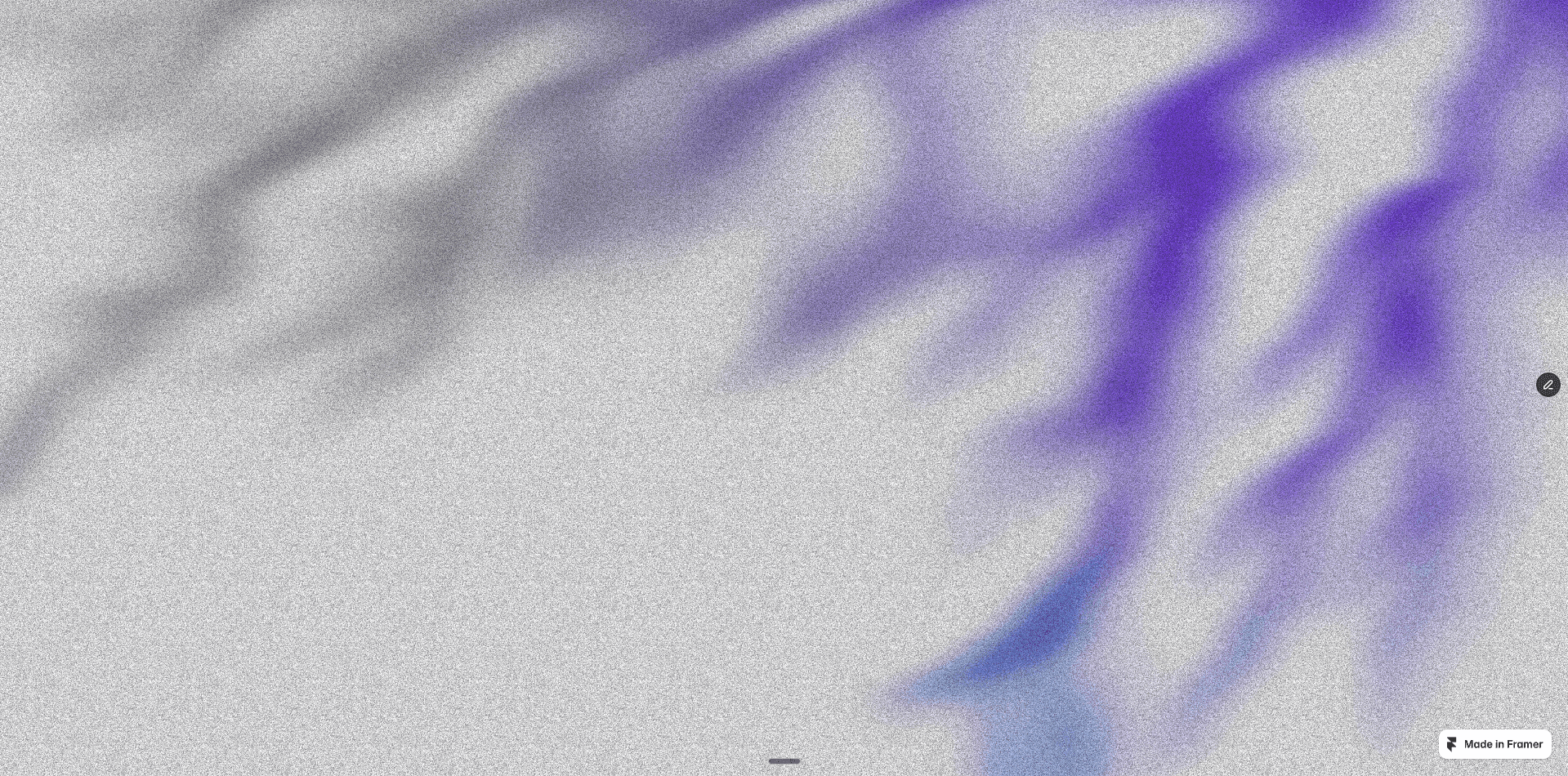
Simple Gradient Blur adds a smooth, progressive blur effect to any part of your Framer design. Use it to create subtle visual depth, improve text readability or add a polished finish to your design.
Apply it to images, hero sections, product cards, text and more. You can also stack multiple blur layers to create a more complex effects when needed.
Getting started
Buy Simple Gradient Blur. You get the component URL.
Paste the component into your Framer project
Drag it over your content and customize
What's included
→ Smooth progressive blur, not a hard blur edge
→ Linear and radial blur
→ Many directions: top, bottom, top & bottom, left, right and all four corners (top left, top right, bottom left, bottom right)
→ Add a color to the blur for a soft tinted fade
→ Control blur strength, blur size and smoothness
→ Drag and drop. No code required
→ Works on top of images, video, text and CMS content
→ Responsive on desktop, tablet and mobile
→ Works with any Framer layout
Suitable for
→ Text over images that stays readable
→ Sticky headers that melt into the page
→ Hero sections with depth
→ Cards with a soft, tinted fade
→ Fading out content at the edge of a scroll area
→ Vignette- or spotlight effects
Requirements
A Framer project.
Accessibility
The blur is decorative. [It is hidden from screen readers and does not take focus.]
---
Terms
By purchasing Simple Gradient Blur, you agree to these terms.
License
One purchase covers one project. Do not share, redistribute or resell the component. Demo content: the demo images and sample content are for demonstration only and are not licensed for your projects. Replace them with your own content.
Refunds
Simple Gradient Blur is a digital product. You get access immediately after payment and waive your right of withdrawal. Having said that, if Simple Gradient Blur does not work as described, email hey@sjoerdkoelewijn.com. I will fix it or refund you in full.