About Omni Slideshow
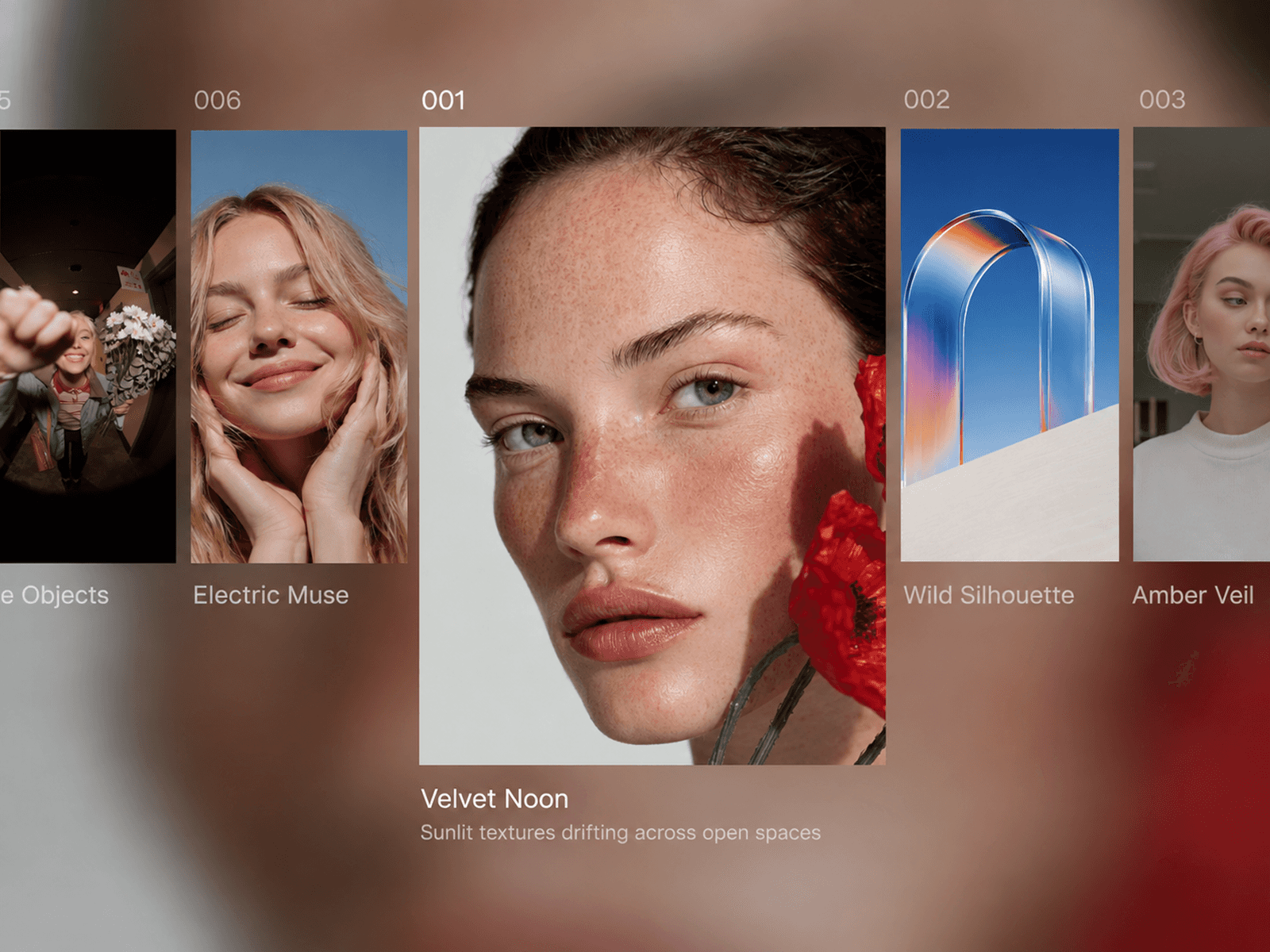
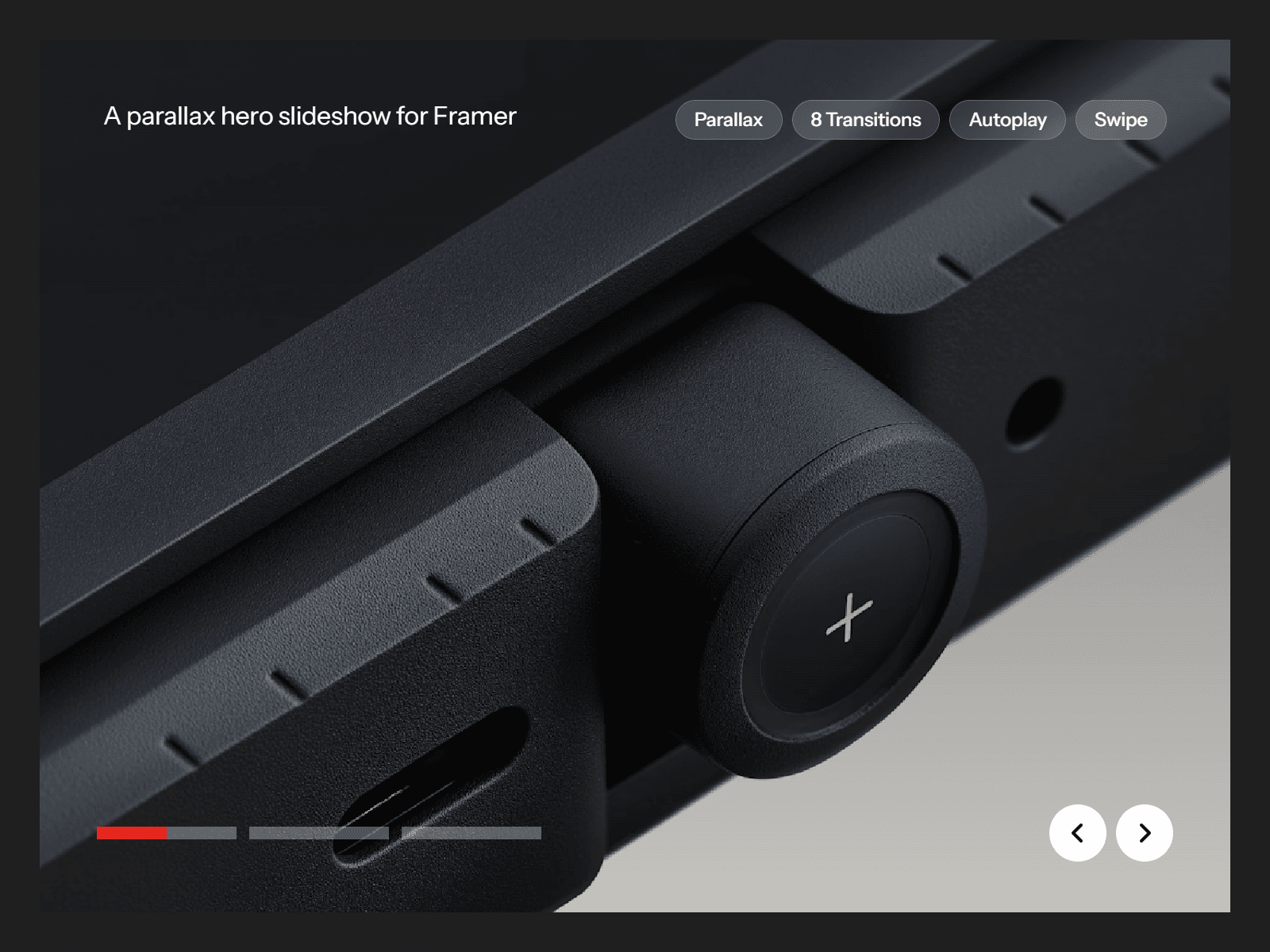
Omni Slideshow is a full-bleed image slideshow for Framer with parallax scrolling, 8 transitions, progress bars and arrows. It can run on autoplay and be swiped, and it handles any number of slides.
Each slide can have its own image, caption, tags and link.
Features
Unlimited slides, with a separate image, caption, tags and link for each.
8 transitions: Fade, Slide, Slide Up, Cover, Wipe, Zoom, Blur and None.
Autoplay with a progress bar for each slide that fills as the slide plays.
Optional previous and next arrows, placed at the bottom beside the progress bars or at the sides.
Swipe and drag support, with a grab-hand cursor.
Keyboard navigation with the left and right arrow keys.
Parallax scrolling on images, with an adjustable distance.
Gradient overlay with a custom colour, strength and angle.
Optional caption and tags, shown on every slide or set per slide.
Slides with a link become clickable and react on hover with a zoom and a tint.
Pause on hover, and pause when the slideshow scrolls out of view.
Loop, or stop on the last slide.
Next and previous slides are loaded ahead of time so transitions stay smooth.
Fully responsive.
Customization options
Slides: image, caption, tags and link for each slide.
Playback
Transitions
Image
Link hover
Caption
Tags
Content layout: split or stacked arrangement, top or bottom position, gap, horizontal and vertical padding, and text animation.
Progress bars
Arrows
Usage
Add Omni Slideshow to your canvas.
In Slides, upload an image for the first slide, then add more slides. Each one can have its own caption, tags and link.
Turn on Caption and Tags if you want text over the images, and enter your shared text.
Style the slideshow as you like it.
Preview your page, then publish.