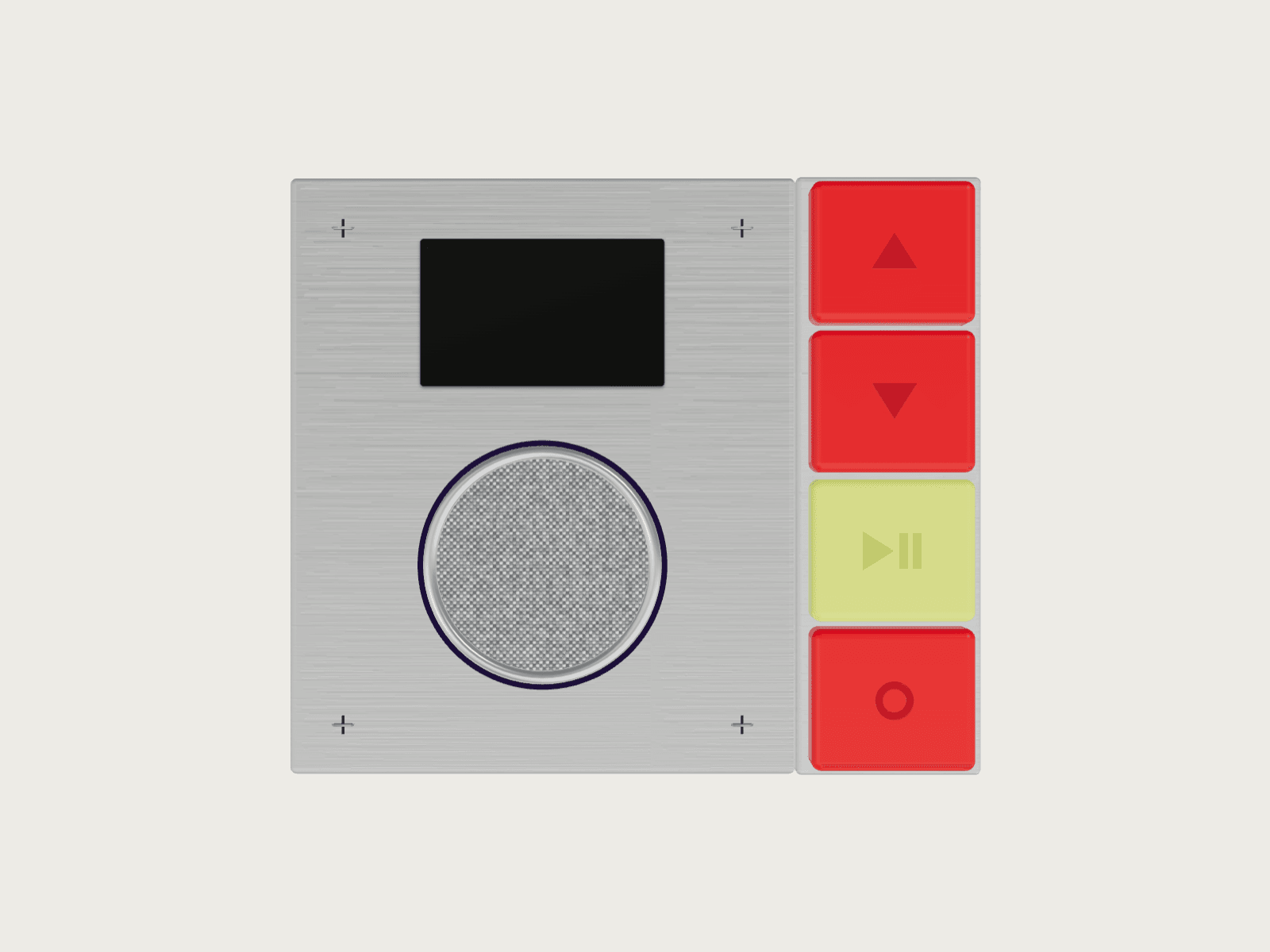
About 3D Radio Player
Drop a radio on your page and give people something to press.
The buttons on the model work. Power turns it on, the arrows skip tracks, and play/pause does what it says. The video plays on the radio's tiny screen while the ring around the speaker lights up with the music.
Point it at a YouTube playlist, a single video or an audio file you upload. Pick colours for the body, buttons and lights. It tilts toward the cursor and sizes itself on desktop, tablet and phone.
Features
Plays a YouTube playlist, one video, or your own audio file
Working power, play/pause and skip buttons
Speaker lights that move with the music
Your colours for the body, buttons and LEDs
Tilts toward the cursor, and stays still for people who turn motion off
Fits any screen: set width to Fill and height to Fit
Framer events for power on, power off and track change
Works with a keyboard and screen readers
Good to know
A YouTube video only plays if its uploader allows embedding. Blocked ones get skipped.
On iPhone, sound starts after the first tap.
With YouTube, the lights follow a simulated level. Uploaded audio gets the real one.