About 3D Envelope Gallery
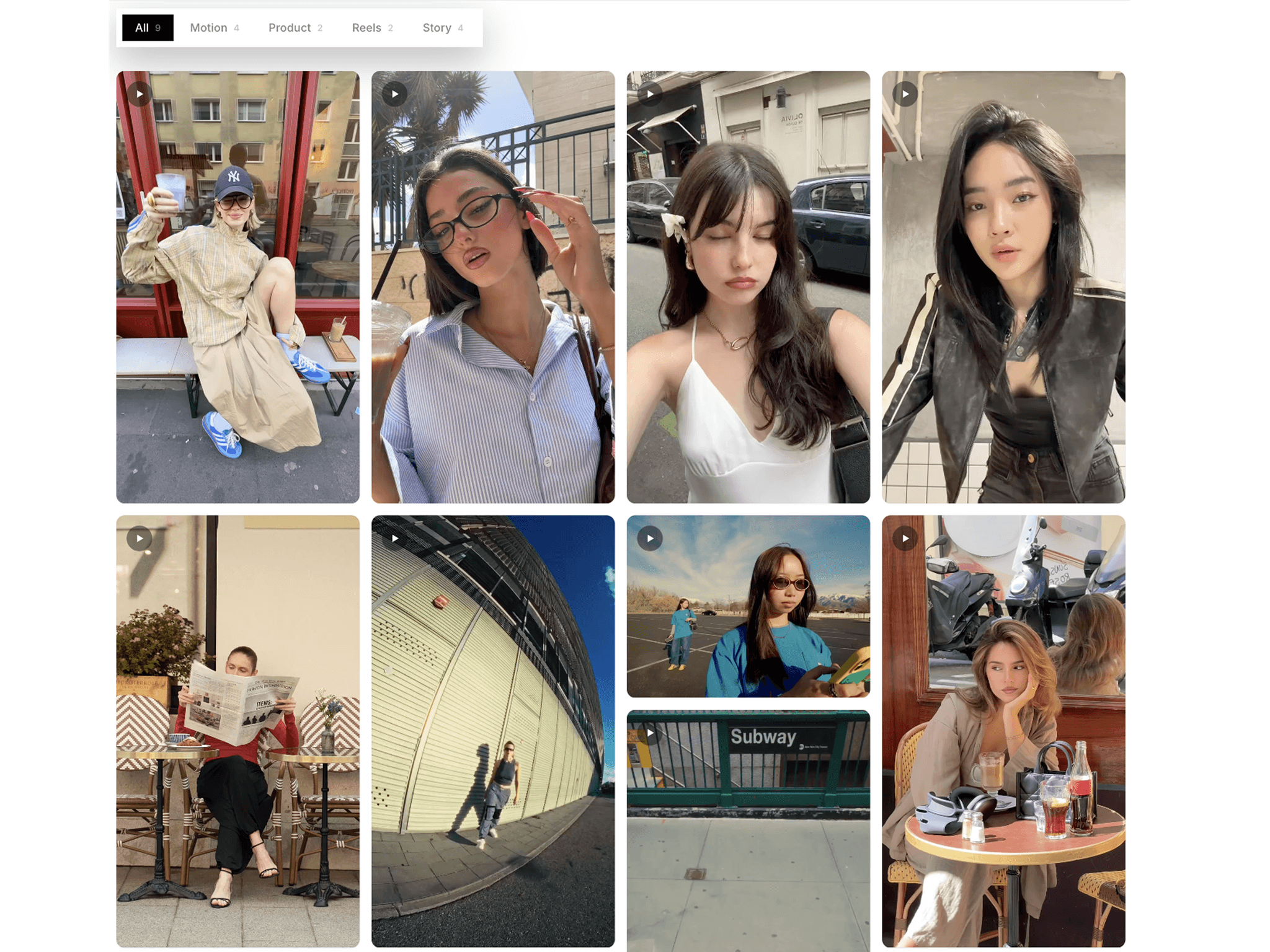
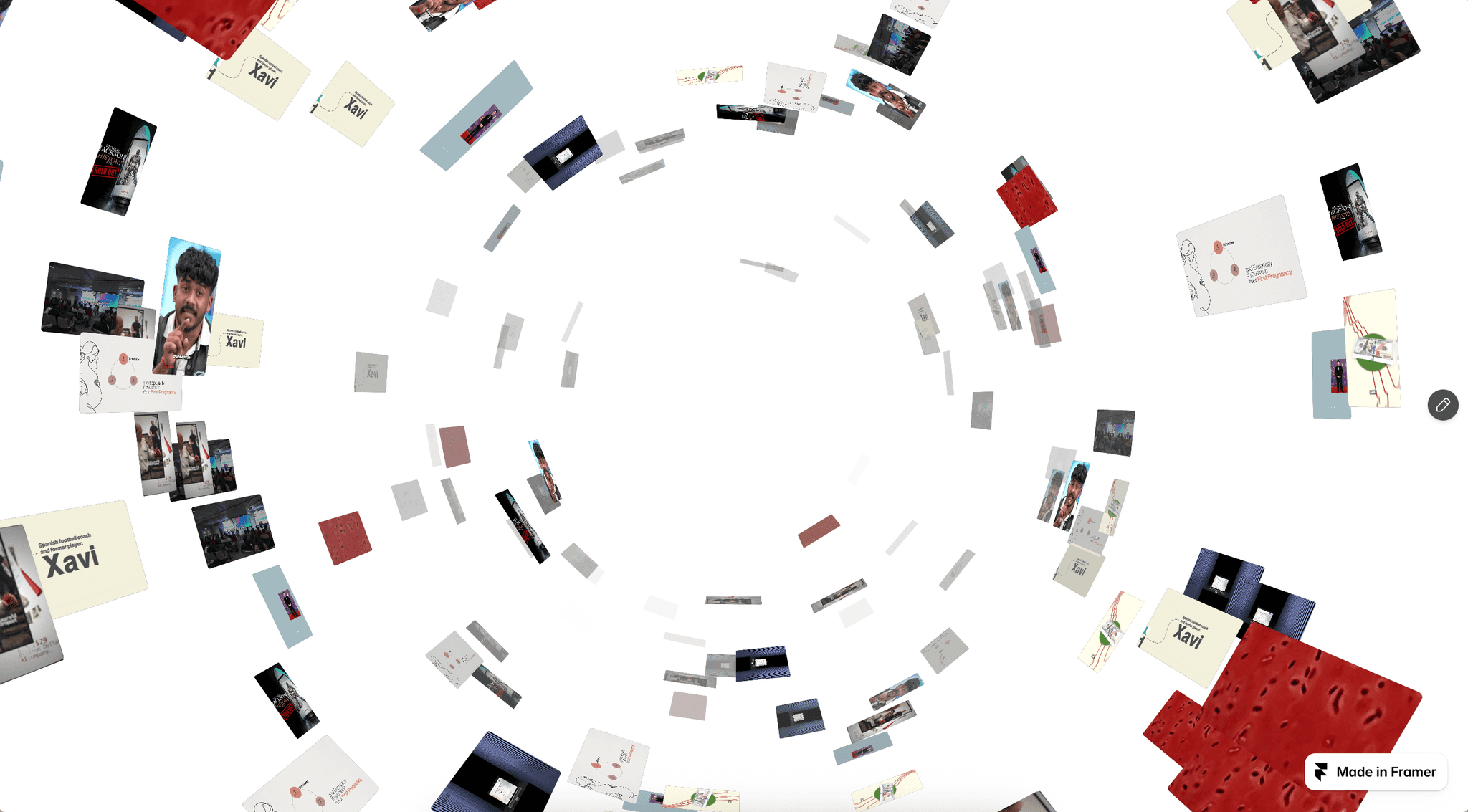
3D Envelope Gallery is a premium interactive image and video gallery for Framer that transforms a sealed envelope into an immersive 3D media experience. Open the envelope to reveal layered cards with smooth spring animations, floating layouts, depth, tilt, hover previews, and draggable interactions.
HOW TO USE
Add 3D Envelope Gallery to your Framer page
Add images or videos to your gallery cards
Choose portrait, square, landscape, or tall card shapes
Add individual CMS Links to cards for projects, pages, or external destinations
Customize the envelope paper, liner, label, address, wax seal, and monogram
Adjust card spacing, tilt, shuffle, frame, radius, and shadows
Configure hover peek, dragging, autoplay, and lightbox controls
KEY FEATURES
3D Envelope Interaction — Open a realistic envelope to reveal layered image and video cards.
Image & Video Support — Combine images and videos in one interactive gallery.
Dynamic Card Reveal — Cards smoothly emerge and arrange into a balanced composition.
CMS Links — Link individual cards to CMS pages, projects, case studies, or external destinations.
Draggable Cards — Freely move cards after opening for a tactile experience.
Hover Peek — Preview cards sliding from the envelope before opening.
3D Tilt & Depth — Add rotation, spacing, shadows, and depth for an editorial layout.
Interactive Lightbox — View cards fullscreen with navigation, counters, blur, and links.
Video Autoplay — Automatically play videos when the gallery is open and visible.
Custom Envelope Styling — Personalize paper, liner, seal, typography, labels, and backgrounds.
Responsive & Accessible — Adapts to different canvas sizes and respects reduced-motion preferences.
WHY 3D ENVELOPE GALLERY?
3D Envelope Gallery transforms a traditional gallery into a memorable interactive reveal. Instead of showing content in a standard grid or carousel, your visuals begin hidden inside a sealed envelope and unfold into a dynamic 3D composition.